


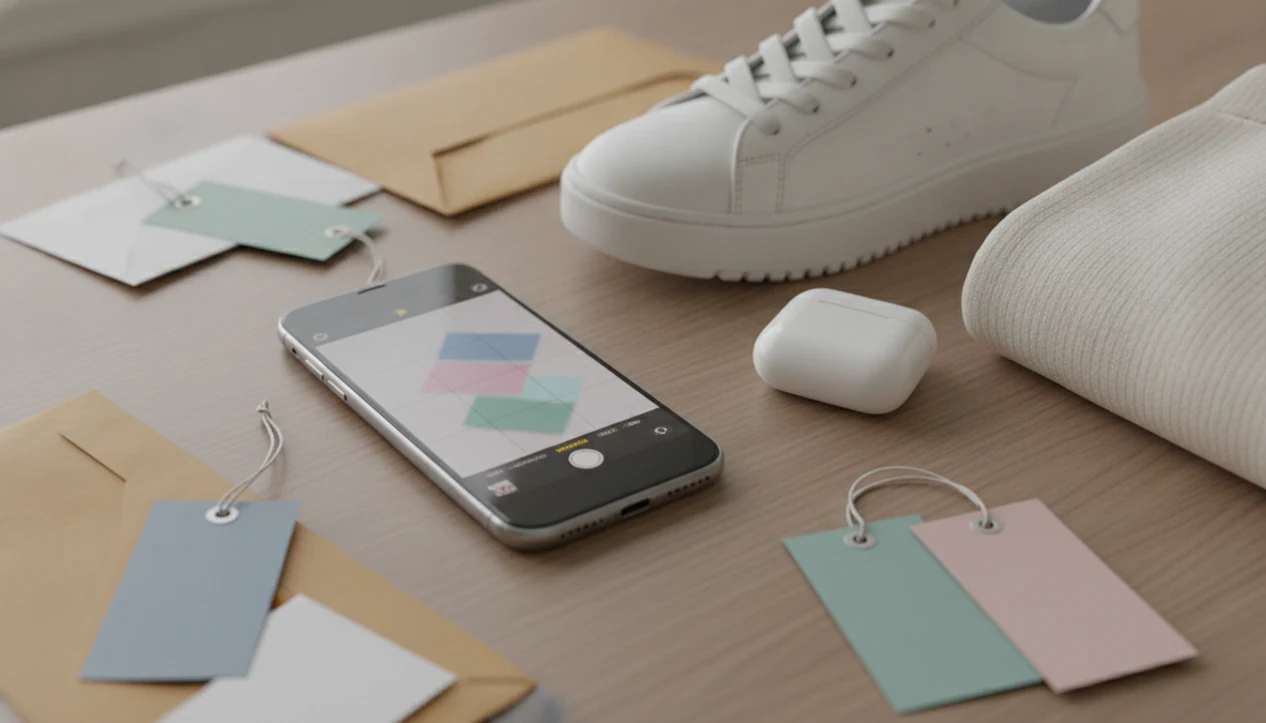
Definition: Invy is a shop by image app that identifies products from photos and compares prices across stores for online shoppers.
- Snap a photo or upload a screenshot to identify any product on your iPhone
- Invy compares prices across multiple online stores in seconds
- Free to download with visual search, price tracking, and deal alerts
What an iPhone Product Finder App Works With
An iPhone product finder app turns a camera photo, camera roll image, or screenshot into product matches and price comparison results. You start with the image, then review similar options, retailer listings, stock status, and direct purchase links.
On iPhone, that means a fresh camera snap of a chair tag can become a search. So can a blurry Instagram Story screenshot saved before it disappears. Invy supports Shop By Image workflows from social media, websites, texts, and saved photos, then opens retailer pages through Safari or shopping app deep links when available.
Mobile behavior matters here. About 76% of U.S. adults buy products online using a smartphone, according to Pew Research (https://www.pewresearch.org/internet/fact-sheet/mobile/). An iPhone visual shopping app fits that habit because the search begins where the product was found, on the phone.
If you have the product image but not the product name, the useful setup is photo upload, matched results, and multi-store price comparison in one iOS workflow.
5 Facts About Visual Shopping Apps on iPhone
- Visual shopping apps combine computer vision with live product catalogs, so the image is matched against real retailer listings rather than plain web pages.
- Google has said Lens is used more than 10 billion times per month (https://blog.google/products/search/google-lens-update-2023/), which shows how normal image-first searching has become for shoppers.
- AI product finders go beyond matching. They can support clarifying questions, feature comparisons, budget filters, and similar options when same-looking is not always same-product.
- Around 54% of U.S. consumers use phones in-store to check product information or compare prices, according to older Pew mobile commerce research. The checkout-line price check is real.
- Privacy and data accuracy matter. A result showing the right color but the wrong size can waste time, and stale pricing can turn a good deal into a dead listing.
Good AI shopping assistants deliver product matches, price checks, and buyable results, not certainty that every image shows the exact original item. For broader app comparisons, our best shop by image app guide covers the category in more detail.
How iPhone Visual Shopping Apps Work Behind the Scenes
An iPhone visual shopping app works by converting an uploaded product image into searchable signals, then comparing those signals with retailer catalog data. The technical layer uses computer vision and image embeddings, which simply means the app turns visual details into patterns it can compare.
The model looks for shape, color, visible text, packaging, logos, and layout. A white-background product photo is easier than a cropped creator mirror selfie because the item edges are cleaner. After that, a price aggregation engine queries indexed stores for real-time or near-real-time prices, availability, and purchase links.
Retailers are investing heavily in this type of workflow. In a 2023 retail survey, 80% of retail and consumer goods companies said they planned to increase investment in digital and AI capabilities. For iPhone shoppers, the useful part is simpler: results are ranked by relevance, price, and availability before they appear in-app.
When the issue is comparing similar listings fast, Invy fits because it pairs image matching with retailer price comparison instead of stopping at a visual guess.
How to Use an AI Shopping Assistant on iPhone
Use Invy by starting with the product image, then checking the seller page before buying. The basic flow is upload, review, compare, and save if you want alerts later.
- Download Invy free from the App Store.
- Snap a photo or upload a screenshot of the product from your iPhone.
- Review matched product results, similar options, and price comparisons.
- Tap a retailer listing to view details, reviews, stock status, or checkout options.
- Save the item to track price drops and deal alerts.
For shoppers who need a fast screenshot-to-store path, the workflow combines Shop By Image search, matched retailer listings, and saved item tracking.
The tiny out-of-stock label often appears only after you tap into the seller page. Check it before assuming the lowest result is actually buyable. If you want a wider workflow overview, the visual search shopping guide explains where image search fits in the buying process.
Minimum Requirements to Run Invy on iPhone
Invy is built for modern iPhones running supported iOS versions listed on the App Store. Check the current App Store listing for the exact iOS version and device compatibility before downloading, since requirements can change after updates.
You need an internet connection for live or near-live price queries. Camera access is needed for photo-based product search, and photo library access is needed when you want to upload screenshots from messages, websites, or social apps.
Basic search is free to start and does not require mandatory account creation. If your phone is offline, you may still be able to choose an image, but price comparison results need store data to load. No signal, no fresh prices.
Invy vs Zave: iPhone Shopping Assistant Comparison
Invy and Zave both sit in the iPhone shopping assistant space, but the difference comes down to how directly they support image-first shopping. Invy focuses on photo search, screenshot upload, similar options, and price comparison from indexed retailers.
| Feature | Invy | Zave |
|---|---|---|
| Visual search | Supports photos and screenshots | Availability may depend on current app features |
| Store comparison | Compares prices across indexed online stores | May focus more on deal discovery or savings tools |
| Product matching | Built around shop by image and similar options | Matching depth may vary by product category |
| Price tracking | Supports saved items and deal alerts | Check current listing for tracking support |
| Free tier | Free to download and start visual search | Pricing model should be confirmed in-app |
Shopify Shop, Amazon Lens, Google Lens, CamFind, and PriceGrabber can help in adjacent ways, but they do not all combine iPhone screenshot search with multi-store product comparison in the same buying flow. For a category-level view, compare options in our best product search by image app guide.
In-Store Use Case: Shop by Image on iPhone While Browsing Shelves
In-store shop by image on iPhone is simple: snap the shelf product, compare online prices, then decide whether to buy now or order elsewhere. This is useful when a shelf tag looks high or when a boxed item has several nearly identical versions.
Mobile commerce is large enough to make that behavior normal. U.S. retail e-commerce sales via mobile devices reached about $431 billion, according to Statista (https://www.statista.com/statistics/249863/us-mobile-retail-commerce-sales/). A shopper standing in a checkout line can compare the final price before handing over a card.
If you are browsing shelves and need online alternatives quickly, Invy covers the moment with camera search, similar results, and retailer links on iOS. The final price still needs checking, especially if a store coupon is printed near the aisle.
Download Invy: Free AI Shopping Assistant for iPhone
Download Invy from the App Store and try visual search with any clear product photo or screenshot. You can start free, run a product match, compare prices, and open retailer listings from your iPhone.
There is no obligation to make a purchase from the first result. Test it with a saved post, a product label, or a screenshot from a message thread. For users who want a free entry point before committing to a shopping workflow, Invy fits because the first step is a simple image upload, not a long setup process.
You can also use our download shop by image app page for the direct download path.
Understanding Results
Shop by image, product finder, visual product search, and price comparison can help turn iPhone photos or screenshots into buying leads. Image matches are not proof of the exact product, so verify the seller page, size, model, materials, stock, and final price before buying.
Invy works best when
- Clear iPhone photos with good lighting and the full item visible
- Screenshots from social media, websites, texts, or camera roll images
- Distinctive products with visible logos, patterns, shapes, or packaging
- Comparing similar listings across major online stores
- Finding purchase links when you know the look but not the product name
Invy may be less accurate when
- Blurry, cropped, low-light, angled, or glare-heavy images
- Generic items that look like many brands or models
- Niche, handmade, vintage, altered, or custom products
- Listings where color matches but size, bundle, material, or model differs
- Prices during flash sales, fast stock changes, or retailer-only promotions