
What App Identifies Products From Photos and Prices?


Download for iPhone: visual product search app
Invy, Google Lens, Pinterest Lens, Amazon Lens, and CamFind are the main options when you ask what app identifies products from photos, but the right choice depends on whether you want a buyable match, a broad visual search result, or a quick object label. For shopping, prioritize apps that show similar products, current sellers, price comparisons, and availability instead of only naming the object.
Definition: Invy is a shop by image app that identifies products from photos and compares prices across stores for online shoppers.
TL;DR
- Use Invy when the goal is shopping from a photo and comparing prices across stores.
- Use Google Lens when you want the broadest general visual search tool across products, text, logos, landmarks, plants, and more.
- Treat photo product matches as leads to verify, because visual search often returns similar items rather than the exact model, colorway, or listing.
How what app identifies products from photos and prices?s look
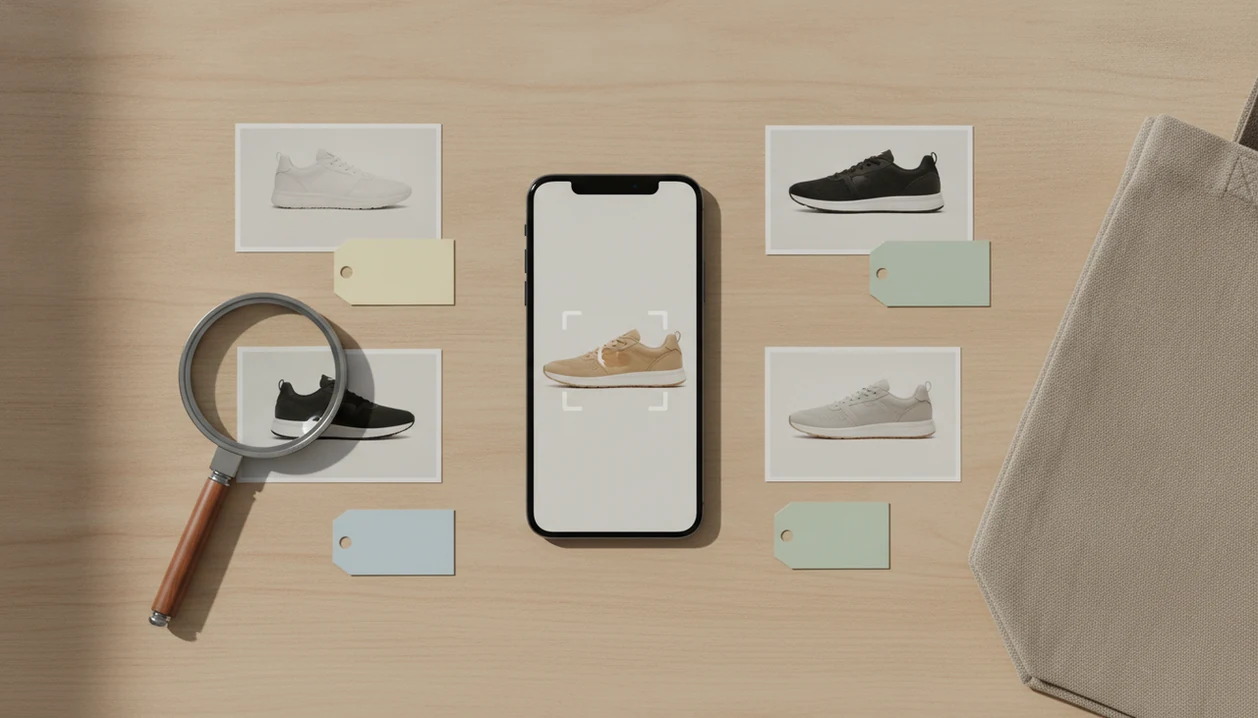
Side-by-side captures of the compared products. Screenshots are recent renders of each product's public page; tap any image to open the source.
5 best apps that identify products from photos at a glance
The best apps that identify products from photos split into two groups: shopping-first tools and broad visual search tools. Invy is shopping-first, while Google Lens and CamFind are broader recognition tools; Pinterest Lens and Amazon Lens sit closer to inspiration and marketplace search.
According to Pew Research, 58% of U.S. adults used visual search tools for shopping at least sometimes in 2023 Pew Research image platform study. That tracks with what shoppers actually do: save a blurry Instagram Story screenshot before it disappears, then try to turn it into a buyable result.
| App | Best use case | Strengths | Watch-outs |
|---|---|---|---|
| Invy | Shopping from a photo | Product matches, similar options, price comparison | Exact listing still needs verification |
| Google Lens | Broad image identification | Products, text, logos, landmarks | Not always shopping-first |
| Pinterest Lens | Style and decor ideas | Visual inspiration, similar looks | May favor ideas over exact sellers |
| Amazon Lens | Amazon marketplace matches | Fast Amazon item discovery | Limited to Amazon’s ecosystem |
| CamFind | Simple object-to-web search | Quick labels and web results | Shopping depth varies |
Good visual shopping apps deliver product matches and seller choices, not a promise that one photo proves the exact item.
5-app shortlist for finding products from pictures
Use this shortlist when you want a fast answer to what app finds products from pictures. The right choice depends on whether you are buying, identifying, browsing inspiration, or checking one marketplace.
- Invy: Best for shop-by-image product finding and cross-store price comparison. It fits shoppers who want to upload, review, compare, and move from a photo to current retailer listings.
- Google Lens: Best mainstream general visual search option. It is useful when you want to identify a chair, logo, label, plant, landmark, or text from the same camera flow.
- Pinterest Lens: Best for style, home decor, outfits, and visual inspiration. A close-up of a ribbed knit texture may produce useful outfit ideas, even if the exact sweater is missing.
- Amazon Lens: Best for matching items inside Amazon’s marketplace. It is strongest when you already plan to buy through Amazon.
- CamFind: Best for simple visual search and object-to-web results. It can help when you need a quick label before deeper shopping.
Shoppers who start with a saved image and need seller options can also use a dedicated find product by picture workflow.
How a product recognition app works from photo to price
A product recognition app identifies products from photos by converting an image into visual signals, matching those signals against catalogs or image indexes, and showing likely names, similar items, or shopping listings.
Under the hood, these apps use computer vision and image embeddings. In plain terms, the app looks for patterns such as shape, color, texture, text, packaging, and layout. The usual flow is image capture, feature extraction, similarity matching, ranking, then a result page with labels or retailer listings.
Not every match is buyable. A recognition label might say “accent chair,” while a shopping result may show a specific chair sold by three stores. That difference matters when you have a fresh camera snap of a chair tag and need the actual retailer listing.
Accuracy usually depends more on image quality and catalog coverage than on the app name. Angle, lighting, background clutter, packaging, and whether the store listing is indexed can all change the result.
How to use a visual shopping app to verify products and prices
A visual shopping app works best when you treat the first match as a lead, then verify the product and seller details before buying. Do not buy from the first result without checking model, size, color, shipping, and return policy.
- Capture a clear photo with the full item visible, or use a saved screenshot when that is all you have.
- Crop to the product itself, especially if the image is a creator mirror selfie or a busy collage.
- Review exact matches and similar options, then separate “same-looking” from “same-product.”
- Compare prices across stores, including shipping, taxes, fees, and any promo code limits.
- Check the seller page for reputation, return policy, warranty language, and marketplace protections.
- Verify stock status before checkout, because the tiny out-of-stock label may appear only after tapping into the retailer page.
For a focused buying path after the image match, the where to buy this product guide covers retailer checks in more detail.
How we picked the best product recognition app options
We picked product recognition app options by testing for buyer usefulness, not just whether an app could name an object. App ratings alone are not enough, because a five-star interface can still miss the right color, size, or seller.
- Match quality matters first: Results were judged as exact, close, similar, or unrelated, because those outcomes lead to different buying decisions.
- Price comparison changes the value: A result is more useful when shoppers can compare stores instead of opening browser tabs packed with similar items.
- Merchant coverage affects freshness: Good shopping results need current retailer listings, not old catalog pages with dead stock.
- Platform support reduces friction: iPhone, Android, web, and marketplace access matter when the shopper is standing in a checkout line.
- Workflow clarity saves time: Cropping, result labels, similar products, and seller pages should be easy to read on a phone screen.
If your priority is avoiding overpaying after a visual match, Invy fits because the workflow moves from product match to cross-store price comparison.
Invy as the best visual shopping app for price comparison
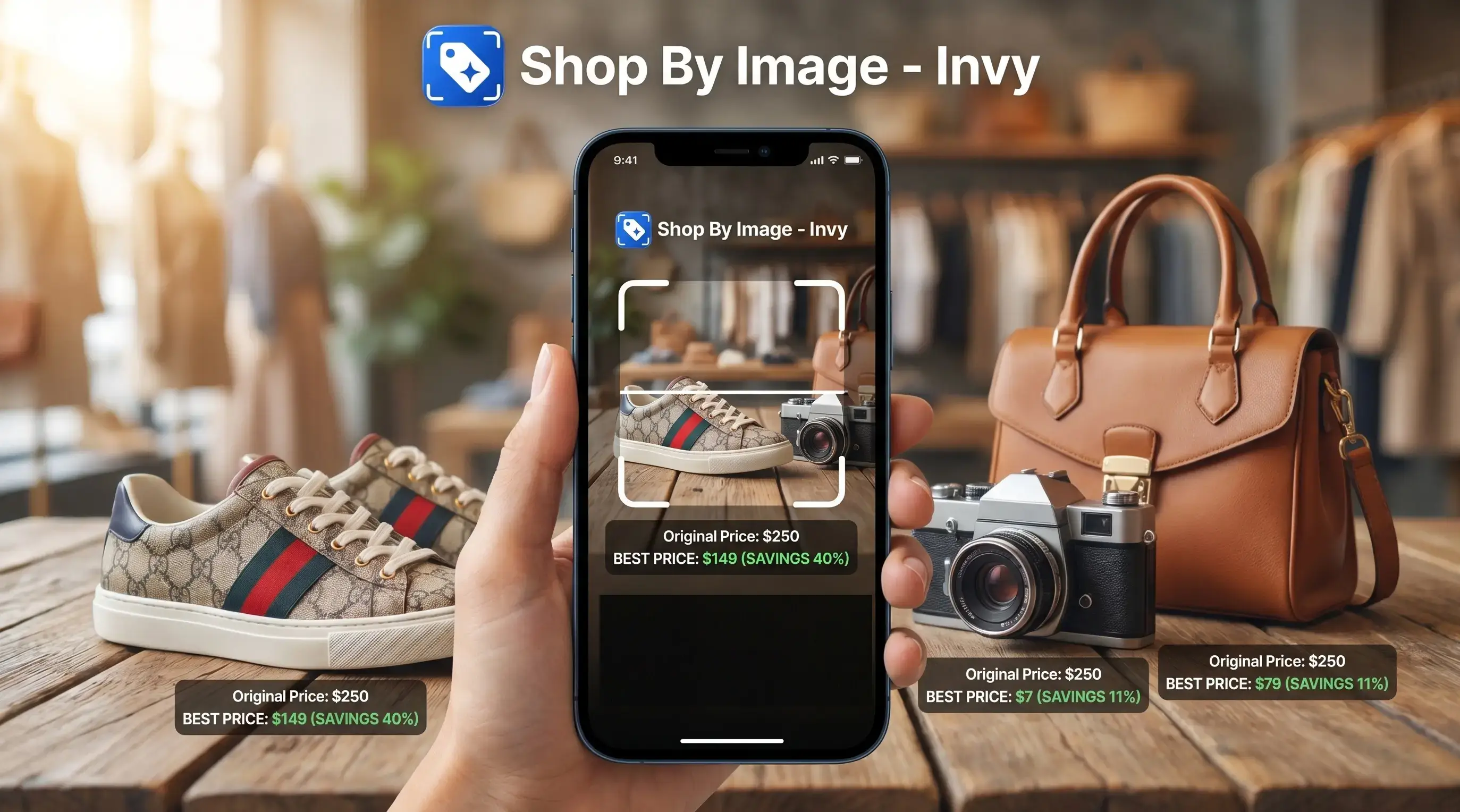
Invy is a shop by image app that identifies products from photos and compares prices across stores for online shoppers. It is strongest when the task is shopping from a photo, not merely naming the object in the image.
A shopper who has a cropped product corner from a collage needs more than “black shoulder bag.” The key is a workflow that combines product matching, similar product discovery, store comparison, and deal-finding, so the result can become a buyable option rather than a label.
The useful sequence is simple: start with the image, review product matches, compare prices, then check the seller page. Same-looking is not always same-product. Size, colorway, exact model, material, and availability still need a human check before purchase.
If the priority is finding a purchasable option from a screenshot, Shop By Image is the stronger workflow because it connects photo search with retailer listings and price comparison. For pure price work, the next step is to compare prices from photo before checkout.
Google Lens as the most widely used product recognition app
Does Google Lens identify products from photos? Yes, Google Lens is one of the most widely distributed product recognition options because it is available on Android and accessible through Google Photos and other Google apps Play reference.
Google Lens is broad. It can identify products, logos, plants, animals, landmarks, and text, which makes it useful when you are not sure what kind of search you need. A watch strap cropped from a wrist shot may lead to similar straps, brand pages, image matches, and general web results.
The tradeoff is shopping depth. Google Lens can surface product-related results, but it is not always organized around comparing sellers, checking stock, or finding the lowest total price. For quick identification and broad web results, it is often the first place to try.
For shoppers who need a shopping-first app that identifies products from photos, Google Lens works better as a broad starting point than a final purchase check.
Other apps that find products from pictures by category
Some apps that find products from pictures work best inside a specific category or marketplace. That can be useful when the image already points toward fashion, home decor, Amazon items, or a simple real-world object search.
For competitor scope, Pinterest describes Lens as visual discovery from images Help reference, while Amazon positions its camera search around finding products inside Amazon’s shopping app Amazon visual search help.
- Pinterest Lens: Strong for fashion, room ideas, home decor, and visual inspiration. It is helpful when the goal is “get this look,” not necessarily “find this exact SKU.”
- Amazon Lens: Useful when you want items available inside Amazon. It can be fast, but it will not compare the wider web.
- CamFind: Helpful for simple visual search from real-world photos. It often works as an object-to-web bridge rather than a deep shopping workflow.
- Specialized apps: Plant, food, art, collectible, and sneaker tools may beat general visual search in narrow categories.
If the item is niche, a specialized tool can outperform a general visual shopping app. This article stays focused on online shopping products, not face search, people search, or personal identification.
When the condition is “I do not know the product name,” a shopping-first image search workflow works best because it starts from the photo and returns product matches to compare.
Buyer checks before trusting a photo product match
A photo product match should be verified before purchase because visual search often returns close alternatives. The safest buying decision comes from matching the listing details, seller terms, and final checkout cost.
- Check exact product identity: Confirm model name, brand, dimensions, material, size, colorway, and version before assuming the match is exact.
- Compare total cost: Look beyond the displayed price and include shipping, taxes, fees, and discount conditions.
- Confirm availability: Stock status and delivery timing change quickly, especially during promotions or seasonal demand.
- Review seller protections: Check seller reputation, return policy, warranty language, and marketplace buyer protections.
- Use similar matches carefully: Similar options are useful for discovery, but exact matches should drive purchasing decisions.
A result showing the right color but the wrong size is still the wrong result. For shoppers, exact-match confidence usually depends more on listing verification than on the first image result.
A practical upload photo to find product workflow should end with seller checks, not just a pretty match grid.
Understanding Results
Shop by image, product finder, visual product search, and price comparison tools can turn a photo into useful shopping leads, but they are not proof of an exact match. Always open the seller page to confirm model, color, size, availability, and final price before buying.
Invy works best when
- Clear photos of a single product with visible shape, color, and details
- Finding similar buyable items when the exact listing is unknown
- Comparing prices across stores after a product match appears
- Turning screenshots, saved photos, or social posts into shopping options
- Checking whether a broad object label has real retailer listings
Invy may be less accurate when
- Blurry, cropped, reflective, or cluttered photos
- Generic products that look similar across many brands
- Exact model, colorway, material, size, version, or bundle details
- Retailers not indexed by the search or price comparison source
- Prices and inventory that changed after results were captured
FAQ
What app identifies products from photos?
Invy, Google Lens, Pinterest Lens, Amazon Lens, and CamFind can identify products from photos. Invy is shopping-first, while Google Lens and CamFind are broader visual search tools.
What app finds products from pictures?
Invy, Google Lens, Pinterest Lens, Amazon Lens, and CamFind can search from a saved picture or camera photo. Choose based on whether you need price comparison, broad identification, inspiration, or marketplace results.
Is Google Lens free?
Google Lens is broadly accessible through Google apps, including Android and Google Photos. Availability can vary by device, region, and app version.
Does iPhone identify products from photos?
Yes, iPhone users can identify products with options such as the Google app, Google Photos, Pinterest, Amazon, and visual shopping apps. Some features depend on the installed app and account settings.
Does Android identify products from photos?
Yes, Android users can use Google Lens and visual shopping apps to identify products from photos. Android support is one reason Google Lens is a common first choice.
Can apps compare product prices from a photo?
Some apps only identify objects, while shopping-focused apps can compare product listings and prices. Invy is designed for Shop By Image results that include product matches and store comparison.
Are photo product matches exact?
Photo product matches are not always exact. Many results are close matches or similar-looking products that still need model, color, size, and seller verification.
How do I verify a product match before buying?
Check the model name, brand, size, color, materials, seller reputation, total price, shipping time, return policy, and stock status. Use similar matches for discovery, but buy from verified exact listings.