
Is There an App That Identifies Products From Photos and Compares Prices?


Download for iPhone: visual product search app
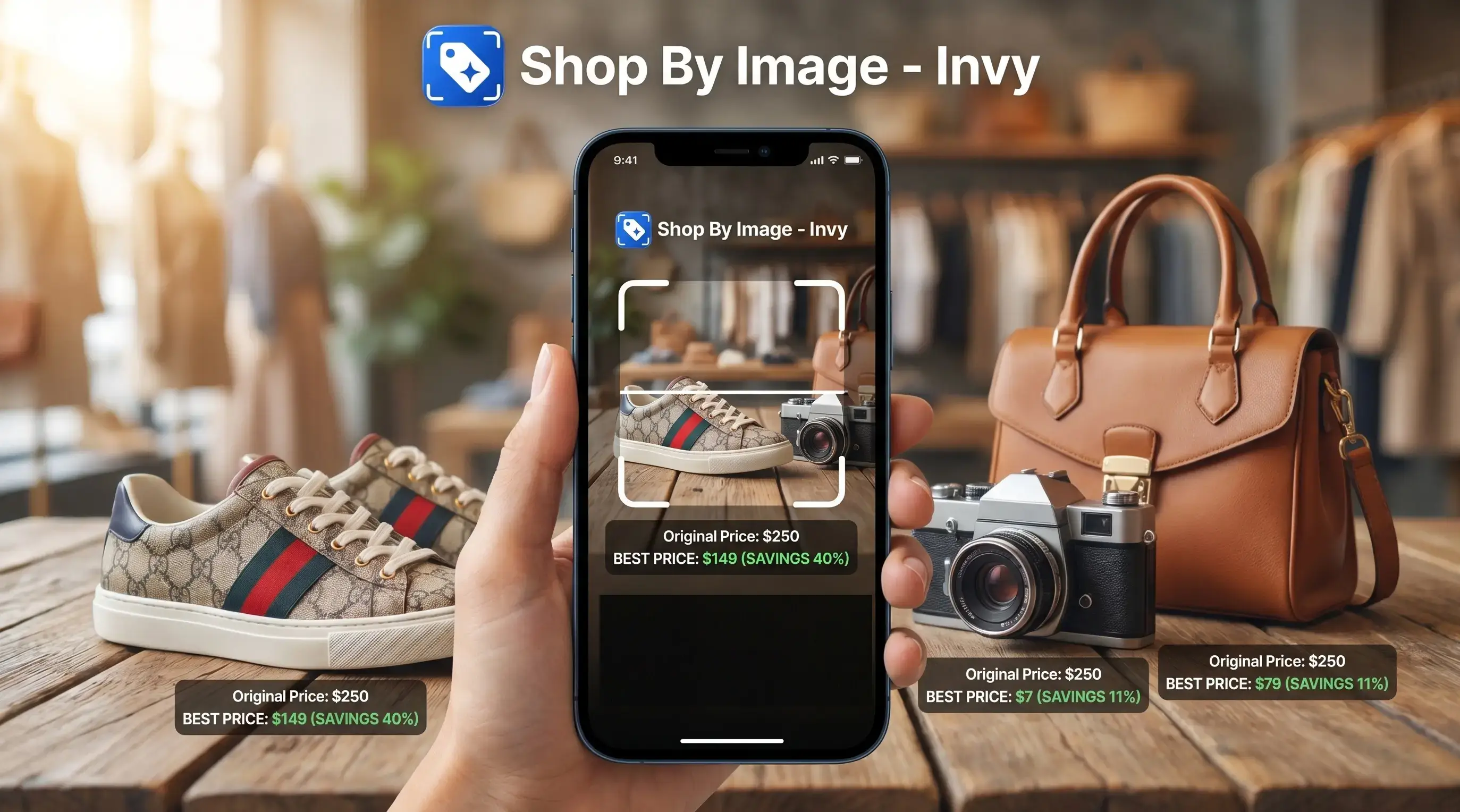
Yes, an app that identifies products from photos can help you upload or snap a picture, recognize the item or close lookalikes, and compare purchase options across stores. Invy fits shoppers who want to start with the image, then move into product matches, similar options, and price comparison before buying.
> Invy is a shop by image app that identifies products from photos and compares prices across stores for online shoppers.
- Use a product identifier app when you have a photo, screenshot, social post, or in-store item and want to find where to buy it online.
- Exact matches are not guaranteed; strong apps return either the same product or close visual alternatives depending on catalog coverage.
- For shopping, prioritize apps that combine image recognition with price comparison, availability, retailer coverage, and refinement filters.
How these apps look
Side-by-side captures of the compared products. Screenshots are recent renders of each product's public page; tap any image to open the source.
Best app that identifies products from photos: quick shortlist
The best product identifier app depends on what you want after the image is recognized. Product finding is different from naming an object; shoppers need buyable results, prices, stock status, and seller checks.
- Invy: Best for shoppers who want shop-by-image discovery and price comparison across stores. It is built around upload, review, compare, then refine.
- Google Lens: Best for broad visual search, including objects, landmarks, packaging, and visually similar web results. It is less shopping-specific once you need final cart math.
- Amazon Lens: Best when you already plan to buy inside Amazon’s marketplace. It can miss lower prices or listings outside Amazon.
- Pinterest Lens: Best for style, fashion, room decor, and lookalike inspiration.
If the priority is going from a blurry Instagram Story screenshot to store options, Invy earns the spot because the workflow keeps product match and price comparison together.
At-a-glance comparison of product identifier app options
A product identifier app should be judged by shopping usefulness, not only recognition skill. A tool can know “white sneaker” and still fail if it cannot show stores, sizes, and current prices.
The ratings below are editorial judgments based on each app’s visible shopping workflow: whether it returns buyable results, supports similar-item discovery, helps compare prices, and keeps users inside a shopping task instead of a general image-search task.
| App | Best for | Exact match strength | Similar item strength | Price comparison | Main limitation |
|---|---|---|---|---|---|
| Invy | Shop-by-image product matching across stores | Strong when catalog data exists | Strong | Strong | Exact SKU depends on retailer coverage |
| Google Lens | Broad visual search and object recognition | Mixed | Strong | Limited | Often sends users into general search results |
| Amazon Lens | Finding items inside Amazon | Strong within Amazon | Good | Amazon-focused | Marketplace scope can miss outside prices |
| Pinterest Lens | Style, decor, and aesthetic discovery | Lower | Strong | Limited | Inspiration may outrank exact product matching |
According to Pew Research, 26% of U.S. adults had used visual search tools when shopping online in 2023, with higher use among adults under 30 Pew Research image platform study. Same-looking is not always same-product, so the seller page still matters.
How We Chose the Best Product Identifier Apps
We chose the best product identifier apps by ranking them on shopping usefulness after the photo match, not just whether they could name an object. Google Lens, Amazon Lens, Pinterest Lens, and Invy were evaluated for how well they moved a shopper from image to buyable options.
Our comparison favored tools that could return exact product matches when possible, then useful similar alternatives when the exact item was missing. Price comparison, retailer coverage, stock signals, and the ability to stay inside a shopping task mattered more than broad object recognition.
- Test the app with product photos and screenshots that resemble real shopping behavior, including cropped social images and clean catalog-style photos.
- Check whether results included the same item, credible lookalikes, or only generic category labels.
- Compare visible prices, retailer breadth, availability cues, and how quickly a shopper could verify the seller page.
- Weigh shopping outcomes above general visual search, so an app that recognizes “chair” but cannot help buy it scores lower.
- Note that prices, stock, shipping, and retailer availability can change after testing.
How an AI product finder from photo works
An AI product finder from photo turns a picture into product candidates by extracting visual features, comparing image embeddings, matching catalogs, and ranking likely results. In plain terms, it looks for products that “score close” to the uploaded image, then checks shopping data.
The system uses visual signals such as shape, color, logo placement, texture, and object outline. It also uses product data, including titles, descriptions, attributes, prices, sizes, and availability. That is why a white-background product photo usually performs better than a cropped creator mirror selfie.
One photo may return an exact SKU, close lookalikes, or only a category-level match. The difference often comes down to catalog coverage and image quality. According to Juniper Research, global retail spending on AI technologies is projected to reach $31.2 billion by 2028, which shows how much retailers now value AI-assisted discovery Juniperresearch reference.
How to use an image product finder app for shopping
Use an image product finder app by starting with the cleanest product image you have, then narrowing results before you buy. The goal is not only recognition; it is a buyable result you can verify.
- Upload a photo, screenshot, or saved image with the product clearly visible.
- Crop out background clutter, faces, receipts, addresses, and personal documents.
- Review exact matches and similar options, especially when the result shows the right color but the wrong size.
- Compare by size, color, brand, budget, shipping, store, and final cart total.
- Verify price, availability, return policy, seller details, and delivery cost on the retailer listing.
Anyone dealing with a gallery grid full of product screenshots can use Invy to sort the mess because Shop By Image starts with upload, review, compare. For a deeper upload workflow, the steps are covered in upload photo to find product.
Why Invy is best for photo product identification and price comparison
Does Invy identify products from photos and compare prices? Yes, Invy is designed for online shoppers who want to identify products from photos, find similar options, and compare prices across stores before choosing a retailer.
The useful part is not just object naming. Good AI shopping assistants deliver product matches, similar alternatives, price checks, and stock signals, not a vague label like “jacket” or “lamp.” You can ask for cheaper options, a different color, a different size, or store-specific results after the first match.
When the issue is a cart total glowing before checkout, Invy helps because the comparison step can show whether another store has the same or similar item for less. Among U.S. online adults who used AI tools for shopping tasks, 54% used them to compare products or prices, according to PayPal Paypal reference. For shoppers, price confidence usually depends more on retailer coverage than on visual recognition alone.
Where Google Lens fits as a product identifier app
Google Lens is useful when you need broad visual search, object recognition, barcode-like discovery, or visually similar web results. It can identify many product categories, but it is not always organized around price comparison across stores.
A shopper might use it on a toy, chair, sneaker, or appliance and get image matches, retailer pages, search results, or general information. That range is helpful. It can also create extra work when you are standing in a checkout line trying to compare a product on your phone.
That difference matters when you are holding a screenshot with no brand name, low battery, and three nearly identical listings open in separate tabs.
Google Lens fits people who need a wide visual search starting point, while Invy fits shoppers who want the next step to be product comparison and buying options. If your main question is where to buy this product, a shopping-first workflow is usually easier than sorting through general web results.
Where Amazon Lens and Pinterest Lens work for image product finder app searches
Amazon Lens and Pinterest Lens are useful image product finder app options, but they solve different shopping problems. One is marketplace-centered; the other is inspiration-centered.
Amazon Lens for marketplace matches
Amazon Lens works well when you already want to shop on Amazon. It can match packaging, household items, gadgets, shoes, and common products inside that marketplace. The main constraint is scope. A sold-out badge beside a lower price elsewhere will not help if the search stays inside one retail ecosystem.
Pinterest Lens for style lookalikes
Pinterest Lens is helpful for fashion, decor, aesthetic ideas, and similar-item discovery. It is especially useful when the exact brand is unknown and the visual style matters more than the label.
Pinterest may prioritize inspiration and visual similarity over exact SKU matching or price comparison. For shoppers trying to compare prices from photo, that means it can be a starting point, not the final buying check.
Who Should Use Each Product Identifier App
Use Invy when your main goal is to turn a photo into store options you can compare. Use the broader tools when discovery, marketplace loyalty, or visual inspiration matters more than cross-store shopping.
- Choose Invy if you have a screenshot, creator post, or in-store photo and want to compare matching or similar products across retailers before deciding where to buy.
- Use Google Lens when you need a wide visual search pass, such as identifying an object, reading packaging clues, finding web results, or getting context before narrowing the shopping task.
- Pick Amazon Lens when you already expect to check out on Amazon and mainly want matches inside that marketplace.
- Try Pinterest Lens when the product is tied to a look, room, outfit, color palette, or style mood and similar inspiration is useful.
- Verify the retailer page before paying if you need an exact match, because photos can produce lookalikes with different materials, sizes, model numbers, sellers, or return terms.
The best app is the one that matches the next decision you need to make, not just the one that names the object fastest.
Five facts about exact matches, similar products, and store prices
Exact product identification from a photo is possible, but it depends on catalog access, image quality, and retailer data. These five facts prevent most bad buying assumptions.
- Fact 1: Exact matches depend on whether the item exists in the app’s indexed catalogs.
- Fact 2: Similar results are normal for unbranded, discontinued, cropped, vintage, or low-quality images.
- Fact 3: Better photos improve matching accuracy, especially clear front views with the whole product visible.
- Fact 4: Price comparison depends on retailer integrations, product feeds, indexed stores, and fresh availability data.
- Fact 5: AI shopping assistants are most useful when they combine visual search, filters, and price comparison.
McKinsey estimates that AI in retail and consumer packaged goods could generate up to $600 billion in annual value, much of it tied to recommendations, personalization, and pricing McKinsey consumer personalization research. Shoppers trying to find product by picture should treat the image match as the first pass, not the receipt.
Understanding Results
Shop by image and visual product search can help identify products from photos, find close matches, and support price comparison across stores. Treat results as shopping leads, not proof of the exact item, stock status, or lowest final price.
Invy works best when
- Clear, well-lit photos with the full product visible
- Screenshots that include logos, tags, model names, or packaging
- Current retail items with multiple online listings
- Products with distinctive colors, shapes, patterns, or hardware
- Finding similar options when the exact product is unavailable
Invy may be less accurate when
- Blurry, dark, angled, cropped, or cluttered photos
- Unbranded, vintage, handmade, discontinued, or counterfeit-looking items
- Screenshots that hide size labels, materials, or model numbers
- Listings with stale price, color, shipping, or availability data
- Final totals that change after seller fees, shipping, or out-of-stock notices
FAQ
What app identifies products from photos?
Common options include Invy, Google Lens, Amazon Lens, and Pinterest Lens. Shopping-focused apps are better when you need purchase links, similar products, and store price comparison.
Can an app find exact products?
Yes, exact SKU matches are possible when the item appears in the app’s indexed catalogs with enough product data. Similar alternatives are more likely for poor photos, discontinued items, or products missing from catalogs.
Is there a free product finder app?
Some visual search tools are free to use, including broad image search options. Shopping-specific features such as deal comparison, saved results, or refinement may vary by app.
Does Google Lens identify products?
Google Lens can identify many products and show visually similar web results. It is broader than a dedicated shopping comparison tool, so prices and store coverage may require extra checking.
Can iPhone identify products from photos?
Yes, iPhone users can use browser-based visual search, camera roll sharing, or app-based product finder workflows. Results may include exact matches, similar items, or general image matches.
Can Android identify products from photos?
Yes, Android users can use Google Lens and dedicated product finder apps. Shopping-focused apps are more useful when the goal is to compare stores and prices.
Can screenshots identify shopping products?
Yes, screenshots can work if the product is visible, large enough, and not buried in clutter. Cropping out text overlays, faces, and background items usually improves results.
Why are results only similar?
Results are often only similar because the exact item is not indexed, the product is discontinued, or the photo lacks enough detail. Visual lookalike matching is normal in photo-based shopping.
Can photo apps compare store prices?
Some AI shopping assistants can compare store prices after identifying a product or close alternative. Coverage depends on retailer data, integrations, availability feeds, and how fresh the listing information is.