


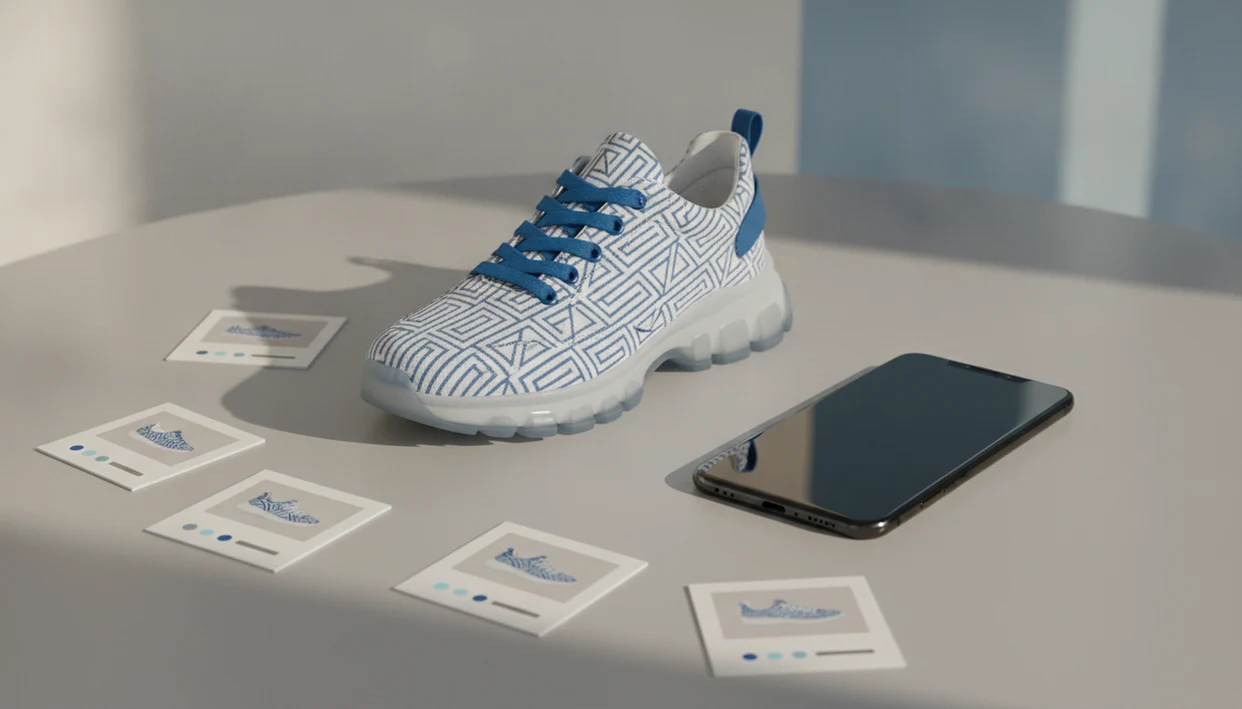
> Definition: Product search by image is an AI-powered shopping method that analyzes a photo you provide to identify the item and return matching products available for purchase online.
Same-looking is not always same-product.
Product Search By Image at a Glance: 5 Facts Every Shopper Needs
- Image search reads visual details first. Product search by image analyzes shapes, colors, patterns, edges, and surrounding context, then compares those details with product photos in shopping catalogs.
- Photo quality changes the result. A centered, well-lit product usually works better than a dark screenshot, a cropped creator mirror selfie, or a photo with three items competing for attention.
- Distinctive products are easier to match. Fashion, sneakers, furniture, decor, bags, and accessories often give stronger results because they have visible design cues.
- Identification is only the first step. On Invy, visual search is paired with cross-store price comparison, so a shopper can move from product match to retailer listing without opening ten tabs.
- Expect some review work. Most users still need to scroll similar options, filter by size or color, and check the seller page before treating a result as buyable.
How Product Search By Image Works Behind the Scenes
Product search by image works by turning your photo into machine-readable visual signals, then comparing those signals with indexed product photos from retailer catalogs. The system does not “know” a shoe the way a shopper does. It compares patterns.
Visual Feature Extraction and AI Matching
First, image recognition software extracts features from pixels, such as edges, textures, colors, logos, silhouettes, and repeated shapes. Those features become vector embeddings, which are numerical summaries of the image. In plain terms, the app creates a visual fingerprint, then looks for product listings with similar fingerprints.
A sneaker sole pattern under fluorescent light can be enough to point the system toward the right category. A blurry hallway photo may only return “white sneakers.”
From Image Match to Price Comparison on Invy
Retailer catalog indexing supplies the matching pool. Big retailers with clean, white-background product photos tend to be easier to match because their listings are structured and photographed consistently. A shopping search layer can add price comparison after the visual match, so the shopper can compare offers instead of stopping at one similar listing.
How to Use Product Search By Image on Invy
How do you use product search by image? Start with the image, review the product match, then compare retailer listings before buying.
- Open Invy and tap the camera or upload icon. Start from the search screen, not a text box.
- Snap a clear photo or upload a screenshot of the product. A saved Story screenshot works if the item is still visible.
- Review the AI-matched results and similar items. Look for the same shape, color, hardware, pattern, or model details.
- Compare prices across multiple retailers in the results. Watch for shipping fees under the price, not just the headline number.
- Refine with text filters or try another angle if needed. Add size, brand, material, or color if the first set is too broad.
- Save or buy the lowest-total-cost option. Check stock status on the retailer page before you decide.
For mobile shoppers, product search by image is often faster than keyword search because the photo carries details that are hard to describe accurately.
Photo Tips That Improve Product Search By Image Accuracy
Clear product photos give image search systems more reliable visual signals. The cleaner the object, the less guessing the AI has to do.
Use natural light or bright indoor light, but avoid harsh shadows. Center the item and remove background clutter when possible. If you are searching for a chair, lamp, or sneaker, take more than one angle because side profiles and front views reveal different features. For fashion and decor, crop close enough to show ribbed knit texture, stitching, print scale, or hardware.
Small adjustments matter.
Remove packaging, sale tags, and overlays if they cover the item. Social screenshots can work, but heavy filters and low resolution reduce accuracy. A bright fitting-room mirror upload may help for a jacket shape, but a product photo on a plain background usually gives the system a cleaner match. For broader context, our reverse image search shopping guide explains how image-first shopping differs from general web image lookup.
Product Categories Where Image Search Performs Best
Product search by image performs best when the item has distinctive visual features. Fashion and accessories often match well because shape, color blocking, straps, soles, hardware, and patterns give the system more clues.
Furniture and home decor also tend to perform well. A curved boucle chair, ribbed glass lamp, or patterned rug has visible structure the AI can compare. Electronics are more mixed. A photo may identify “wireless headphones” or “tablet stand,” but exact model matching often needs text filters or visible branding.
Generic basics are harder. Plain black T-shirts, white mugs, clear storage bins, and basic charging cables can produce thousands of near-identical results. Niche handmade or local items may also be missing from indexed catalogs.
According to a 2023 Pew Research Center survey on shopping and online media, 61% of U.S. adults said photos or videos help them make purchase decisions online (https://www.pewresearch.org/). That helps explain why visual shopping tools are moving from novelty to normal behavior.
Who Product Search By Image Is For
Product search by image is for shoppers who have a picture before they have the right words. It fits best when the item is visual, specific, and worth comparing across stores.
It is especially useful for mobile shoppers who save screenshots from social posts, creator videos, outfit reels, or home tours, then want to find the same look later. Deal hunters can use it to check whether one retailer’s “sale” price is actually competitive. Fashion and home shoppers also benefit because a scalloped edge, curved chair leg, woven texture, or unusual print may be easier to show than describe.
A simple workflow helps:
- Upload the clearest saved image you have.
- Check whether the results match the product details, not just the vibe.
- Compare retailer prices, shipping, stock, and return terms.
- Add text filters when the image match is close but too broad.
Text search is still better for generic items. If you need “AA batteries,” “white socks,” or “USB-C cable,” typing is usually faster than uploading a photo.
Common Myths About Product Search By Image
Product search by image is useful, but it is not a guarantee of an exact match. The most common mistake is assuming a same-looking result is automatically the same product.
Myth 1: Image search always finds the exact item. In reality, it often returns similar options when the original is sold out, unindexed, or photographed from a hard angle.
Myth 2: Any blurry photo works. Quality matters a lot. A thumb-swiped screenshot beneath a blanket might be enough for a broad category, but not for a precise model.
Myth 3: The AI understands your personal style. Most systems read visual features, not taste. Add filters if you want “leather,” “under $100,” or “petite.”
Myth 4: Image search covers every store. No shopping tool sees the entire internet. Results depend on retailer data, catalog access, and current indexing.
A good AI shopping assistant and product finder app that identifies products from photos and compares prices across stores to surface buyable retailer options delivers buyable options, not proof that every matching item is identical or authentic.
Product Search By Image Trends in Online Shopping for 2026
Product search by image is growing because online shopping is more visual, more mobile, and more fragmented across retailers. Global e-commerce retail sales reached about $5.8 trillion in 2023 and are projected to reach roughly $8 trillion by 2027, according to Statista (https://www.statista.com/statistics/379046/worldwide-retail-e-commerce-sales/). A 2022 Statista survey found that 36% of U.S. online shoppers had used visual search tools such as Google Lens or camera-based shopping search at least once.
McKinsey estimated in 2023 that generative AI and related technologies could add $2.6 trillion to $4.4 trillion in annual economic value, including improvements in search and discovery (https://www.mckinsey.com/capabilities/mckinsey-digital/our-insights/the-economic-potential-of-generative-ai-the-next-productivity-frontier).
That market shift shows up in ordinary shopping moments. Someone saves a blurry street-style photo from a story, uploads it later, then checks whether the same jacket exists in their size. Apps such as Google Lens, Amazon Lens, and CamFind fit into this trend, but deal-finding matters after recognition.
For shoppers comparing offers, visual search usually works best when it connects the photo to price, stock status, and retailer credibility in one workflow.
What to Do After a Product Search By Image Returns Results
The work is not finished when image search returns results. The better workflow is review, filter, compare, save, then decide.
Start by scrolling similar items if the exact product is not available. The first row may show the right color but the wrong size, or the right silhouette from a different brand. Use text filters to narrow by size, color, brand, material, or price range. Then compare prices across the retailers shown in the results, including delivery date and shipping cost.
The shipping surprise is real.
Save strong candidates to a list if you are not ready to buy. Some shoppers do this while standing in a checkout line, checking whether the in-store price is actually lower. Before purchasing, open the retailer listing and review specs, fabric content, dimensions, return policy, and customer photos. If the first results miss the mark, crop the image tighter or upload another angle.
A product match should lead to a seller check, not replace it.
Understanding Results
Shop by image can turn a photo into useful product finder results, but a visual match is not proof of the exact item. Use visual product search and price comparison as shortcuts, then verify the retailer, specs, size, price, and availability before buying.
Invy works best when
- Clear, centered photos with one main product
- Distinctive items like sneakers, bags, decor, furniture, and accessories
- Visible details such as logos, patterns, colors, shape, and materials
- Comparing similar listings across stores before opening seller pages
- Finding alternatives when the exact product is sold out or too expensive
Invy may be less accurate when
- Plain basics with few visual differences, such as mugs, T-shirts, or storage bins
- Cropped, filtered, dark, low-resolution, or text-covered screenshots
- Niche, vintage, handmade, local, or newly released products not indexed yet
- Items where fit, comfort, fabric feel, durability, or authenticity matters
- Listings with stale price, size, color, or stock information