


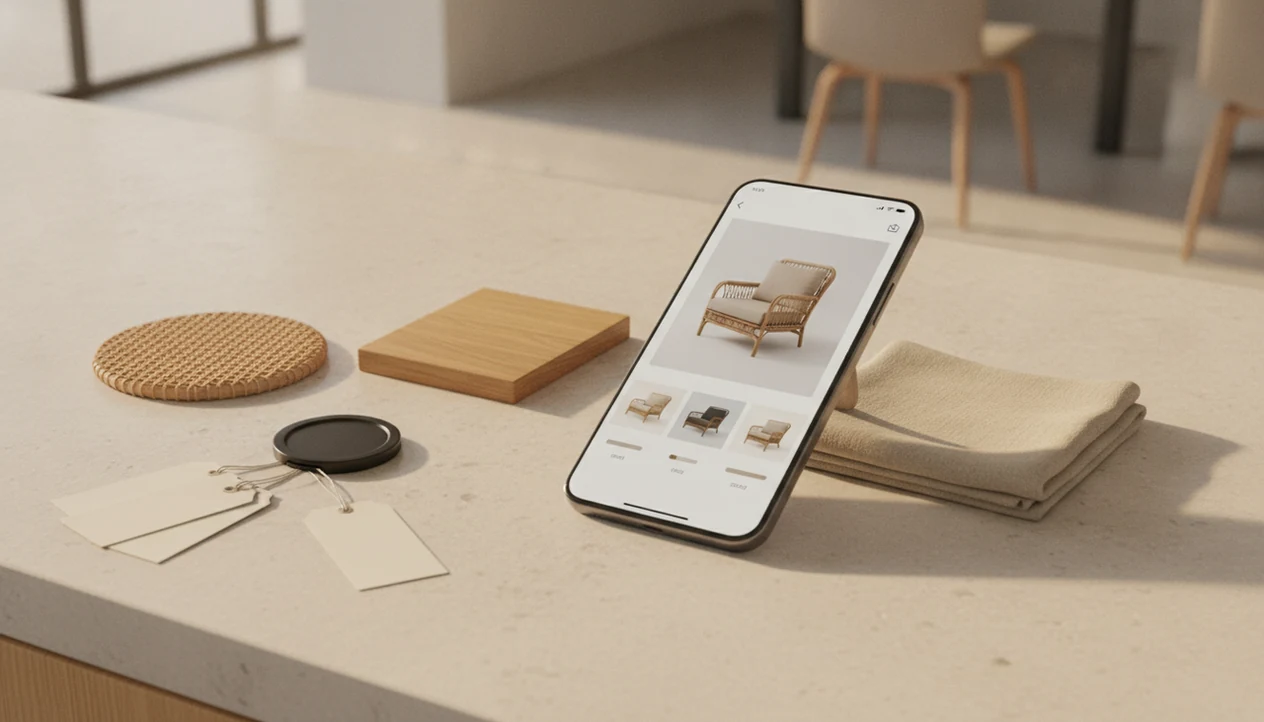
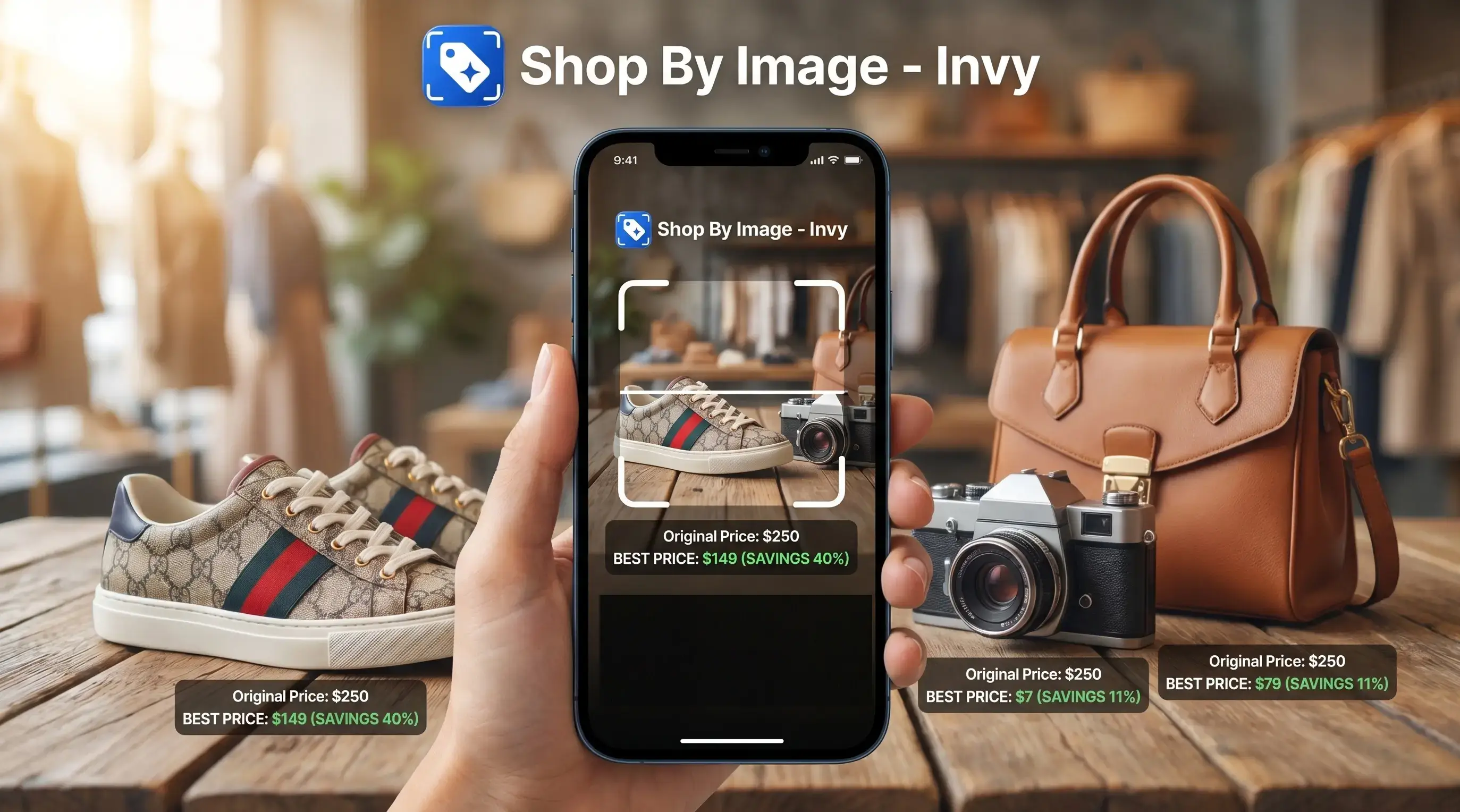
Definition: Find similar products by image is a visual search method where AI analyzes a photo's key features, including color, shape, texture, and style, and matches them against product catalogs to surface buyable lookalike alternatives across multiple retailers.
At a Glance: 5 Facts About Finding Similar Products By Image
- Computer vision looks beyond pixels. A similar product finder analyzes colors, silhouettes, textures, edges, logos, and brand-like cues. It is not only comparing one flat image to another.
- Visual shopping differs from classic reverse image search. Reverse image search often finds where the same picture appears online. Visual product search tries to understand the object and return buyable result options.
- Multi-store matching makes alternatives useful. Invy compares lookalikes across retailer listings, so shoppers can review price comparison, stock status, and similar options without opening ten tabs.
- Image quality still matters. A fresh camera snap of a chair tag works better than a dark, cropped room photo with three lamps in the frame.
- Some categories are harder. Niche handmade goods, custom pieces, and spec-heavy electronics can look similar but differ where it matters.
Same-looking is not always same-product.
How Visual Similar Product Finders Work
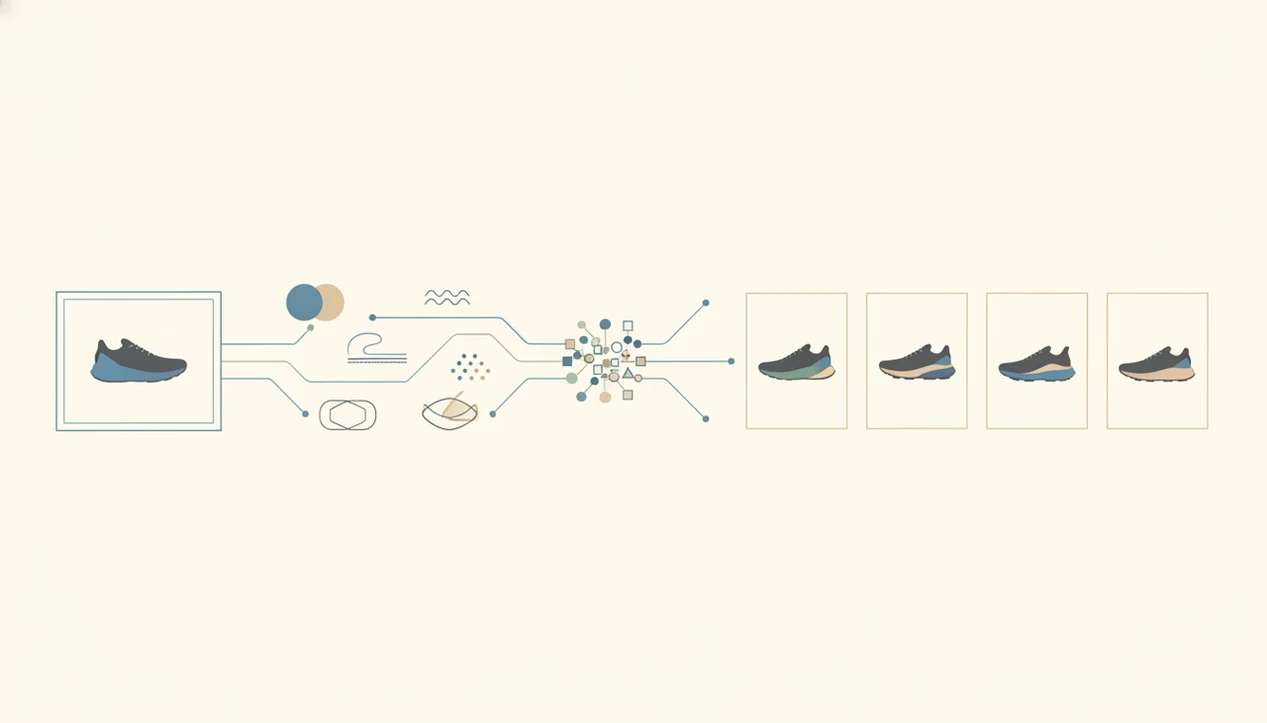
Visual similar product finders work by converting an uploaded image into feature vectors, then comparing those vectors against indexed product catalogs. In plain terms, the system turns the photo into a searchable pattern of color, shape, texture, and object signals.
Feature Extraction and Similarity Scoring
Deep learning models inspect the image for color patterns, edges, shapes, textures, and product-like details. Those signals become feature vectors, which are compared through nearest-neighbor similarity scoring. That means the system looks for catalog items that sit “near” the uploaded image in visual space.
For context, ResNet reported a 3.57% top-5 error rate on the ImageNet classification benchmark in 2015 (https://arxiv.org/abs/1512.03385), but shopping accuracy still depends on catalog coverage, image quality, and retailer metadata.
Multi-Store Catalog Matching
Invy adds the shopping layer by comparing matches across multiple retailer catalogs with pricing, availability, and listing details. Ranking usually blends visual similarity, catalog relevance, stock status, and optional price logic.
The most useful visual shopping systems deliver product matches and comparable listings, not a promise that the first result is the original item.
How To Find Similar Products By Image Using Invy
Use Invy when you have an image but not the exact product name. The workflow is built around upload, review, compare, then refine.
- Snap or upload a clear photo of the product you want, ideally with one item centered in the frame.
- Let the AI identify visual features such as color, shape, texture, trim, and style cues.
- Browse lookalike results sorted by visual similarity across stores, not only by one retailer’s catalog.
- Compare prices, availability, and retailer ratings side by side before you tap through to buy.
- Refine the results with feedback such as “more like this” or “less like that” when the first grid is close but not right.
Shoppers who save a blurry Instagram Story screenshot before it disappears can use Invy to turn that saved image into buyable alternatives through the Shop By Image workflow.
For clothing-specific searches, our shop clothes by photo guide covers better crops, mirror-selfie issues, and color matching.
When To Use a Similar Product Finder Instead of Exact Search
Use a similar product finder when the exact item is unavailable, unknown, too expensive, or hard to describe. Keyword search works only when you know the right product name, brand, model, or style phrase.
Anyone dealing with a sold-out jacket, discontinued lamp, or region-locked sneaker drop can use Invy to keep the look and compare similar options through cross-store visual matching. That is often faster than guessing phrases like “cream quilted cropped jacket gold zipper.”
It also helps when the product appears in the wild, in a magazine spread, on social media, or inside a room photo. A belt buckle zoomed from a street photo may not give you a brand name, but it can still give the model enough shape and material cues to work with.
For mobile shoppers, visual search is often easier than typing. Standing in a checkout line with one hand free is not the moment for a twelve-word product description.
What Visual Product Alternatives Look Like in Invy
Invy shows visual product alternatives as a grid of similar products, with retailer, price, availability, and visual similarity signals attached to each result. The point is not just to name the item; it is to help you decide which lookalike is worth checking.
When the issue is a product that appears under different SKUs or brand names, Invy helps reveal near-identical listings across stores through multi-retailer matching. We have seen searches where the right color appears first, but the size is wrong only after opening the seller page. That tiny out-of-stock label matters.
Feedback loops improve the next pass. If one chair has the right curved back but the wrong fabric, “more like this” can keep the shape while pushing the fabric closer.
For a category walkthrough, find furniture from photo explains how room images and white-background product photos behave differently.
Find Lookalike Products By Image vs. Other Search Methods
Visual similar product search is strongest when you want purchasable alternatives, not just the original page or exact SKU. Keyword search, reverse image search, and barcode scanning each solve a narrower problem.
| Search method | Best use case | Finds alternatives? | Supports multi-store pricing? |
|---|---|---|---|
| Keyword search | You know the product name or style terms | Sometimes | Sometimes |
| Classic reverse image search | You want to find where the same image appears | Rarely | No |
| Barcode or UPC scan | You have the exact packaged SKU | No | Sometimes |
| Visual similar product search | You have a photo and want buyable lookalikes | Yes | Yes, in tools like Invy |
For shoppers who need a backup option, image-based alternatives are often better than exact SKU search because sold-out products can still lead to similar listings.
Google Lens, Amazon Lens, and CamFind can be useful starting points, but shopping-focused tools put more weight on retailer listings, stock status, and price comparison.
For reference, Google describes Lens as a broad visual search system for identifying objects and related results from images (https://lens.google/), while shopping-specific finders need retailer feeds, stock data, and price metadata to make results buyable.
The full exact match vs similar products comparison explains when to stop chasing the original and start comparing lookalikes.
Common Myths About Finding Products From Photos
The biggest myth is that image search always finds the exact same product. In reality, similar-product tools are built for lookalike alternatives when the exact item is missing, unavailable, or buried under unclear listings.
Another myth is that you need professional photos. You do not. A clear phone photo often works, especially when the item fills the frame. A white-background product photo is easier than a cropped creator mirror selfie, but both can produce useful results.
For shoppers who need cheaper alternatives rather than a brand-perfect match, Invy fits because it compares similar-looking retailer listings with prices and availability in one review flow.
Visual search also does not automatically know your size, fit, material preference, or comfort requirement. If the seller page says polyester and you wanted wool, the visual match did its job but the buying check is still yours.
AI shopping should narrow the shelf, not make the purchase decision for you.
Related Features for Visual Shopping
Invy also supports exact product identification from photos when the original item is still available. That matters when you want the same sneaker, same mug, or same lamp rather than a close alternative.
Cross-store price comparison helps after the visual match. A wrapped gift beside an open phone might lead to three similar listings, but the final choice depends on price, shipping, stock status, and seller quality.
The Shop By Image mobile workflow is useful for products seen in stores, homes, social feeds, screenshots, and retailer pages. Sneaker shoppers can go deeper with find sneakers by picture.
Evidence and Sources for Visual Similar Product Search
The evidence for visual similar product search should be read in two layers: computer-vision benchmarks show that models can recognize image patterns, while shopping results depend on live catalog data. A strong model can still miss the right lamp, jacket, or sneaker if the relevant retailer listing is not indexed.
A practical way to judge claims is:
- Separate recognition proof from shopping proof. Image-recognition benchmarks support the idea that AI can classify and compare visual features, but they do not prove that every store has the matching product in stock.
- Check catalog coverage. Result quality depends on the retailers available, their product photos, stock feeds, prices, titles, and variant data.
- Compare match types. Reverse image search is useful for finding reused images; visual search tools like Google Lens and Amazon Lens are broader alternatives for identifying objects and related results; product matching adds retailer availability and pricing.
- Review the final listing. Invy-specific rankings depend on available retailer data, visual similarity, listing metadata, and stock signals, so the best-looking result still needs a seller-page check.
That is why visual search is best treated as a fast shortlist, not a final verification step.
Understanding Results
Shop by image, product finder, visual product search, and price comparison tools can help you find similar products when the exact item is sold out or discontinued. Treat results as lookalike options, not proof of identity, fit, materials, or authenticity.
Invy works best when
- Clear photos with one main product in frame
- Style-driven items like furniture, bags, decor, shoes, and clothing
- Finding buyable alternatives across multiple retailers
- Comparing price, stock, color options, and shipping before choosing
- Replacing discontinued items with close visual matches
Invy may be less accurate when
- Dark, cropped, cluttered, or low-resolution images
- Products where specs matter, such as electronics, backpacks, or gear
- Materials that look alike in photos, such as leather, suede, and faux leather
- Custom, handmade, new-release, or under-indexed products
- Results that look similar but differ in size, fit, capacity, or features