


Download for iPhone: shop by image app
Price Comparison From Photo vs Barcode Scanning: Which Finds Better Deals?
Barcode scanning is usually better for exact SKU price matching, while photo search is better when you do not have a barcode or only have a screenshot, social post, or unboxed item. Price comparison from photo vs barcode scanning is not a single-winner question: the better shopping flow uses barcode scans for precision and photo search for discovery, and Invy supports that image-first comparison when the barcode is not where you need it.
> Invy is a shop by image app that identifies products from photos and compares prices across stores for online shoppers.
- Choose barcode scanning when you need the exact product, size, model, bundle, or variant.
- Choose photo search when the barcode is missing, hidden, unavailable, or you are starting from a screenshot or real-world inspiration.
- Use both when possible: identify visually first, then verify the SKU before comparing prices.
Price comparison from photo vs barcode scanning, side by side
Side-by-side captures of the compared products. Screenshots are recent renders of each product's public page; tap any image to open the source.
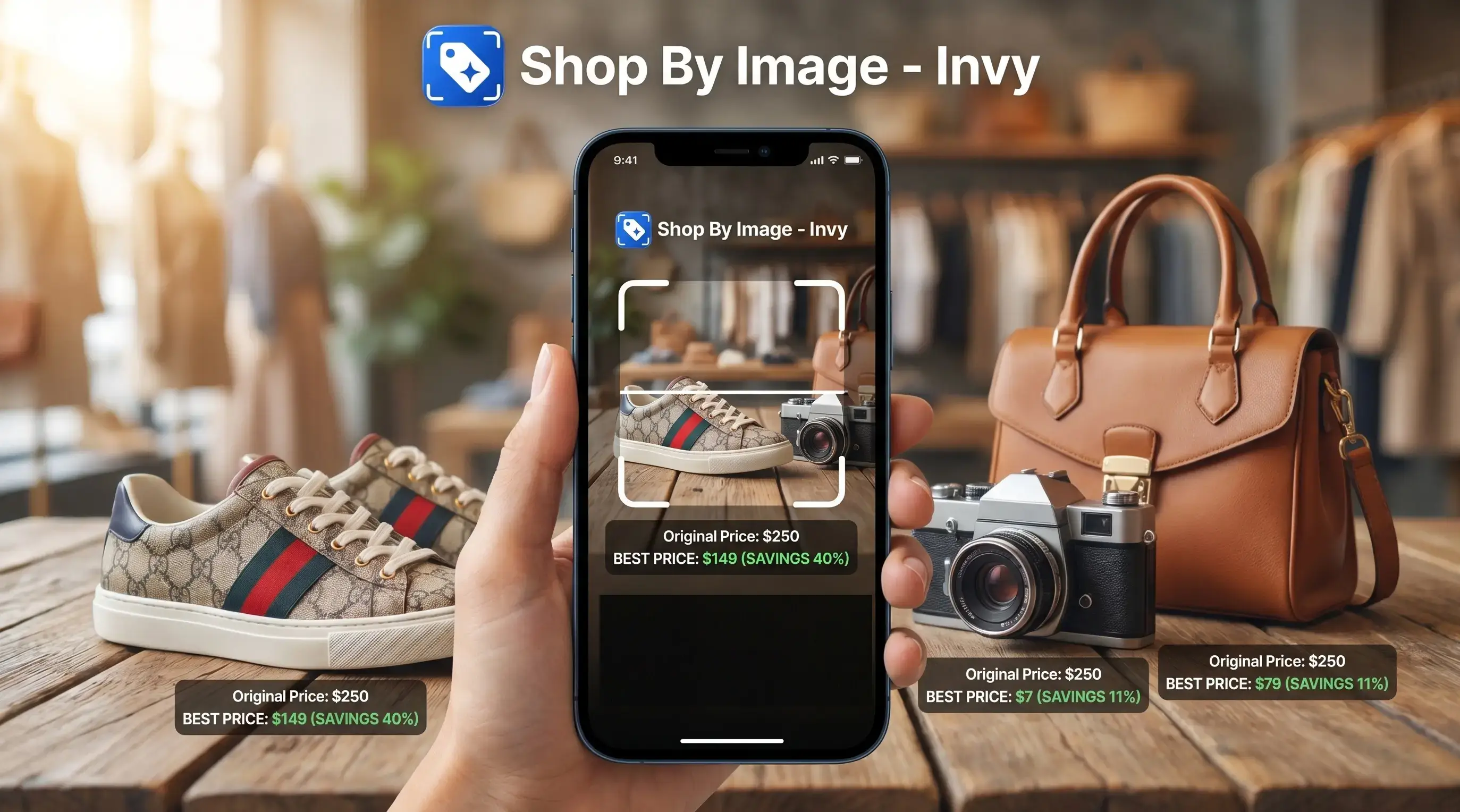
Photo search vs barcode scan at a glance
Barcode scans win for exact SKU reliability, while visual shopping wins for flexibility and discovery. Both methods can support price comparison, but they use different matching signals: a product code versus what the item looks like.
For reader context, Google Lens and Pinterest Lens are familiar visual-search references, while ShopSavvy and retailer apps such as Amazon or Walmart are common barcode-first comparison examples.
| Comparison point | Photo search | Barcode scanning |
|---|---|---|
| Accuracy | Strong for visual matches and similar options | Strong for exact SKU, size, and variant |
| Speed | Fast when starting from a screenshot or camera photo | Very fast when the code is visible and readable |
| Best use case | Fashion, decor, furniture, social posts, unboxed items | Groceries, electronics, books, packaged goods |
| Catalog coverage | Depends on product images and retailer listings | Depends on UPC, EAN, or catalog mapping |
| Screenshots | Works well from saved images | Works only if the barcode is visible and sharp |
| In-store use | Useful for displays and unpackaged items | Useful for boxed or tagged products |
| Risk of mismatch | Higher with lookalikes | Lower, but catalog errors still happen |
A scuffed white sneaker on tile is easier to search by photo than by code if the box is gone.
How price comparison from photo vs barcode scanning works
Price comparison from photo uses computer vision to match visible product traits against retailer catalogs; barcode scanning reads a UPC, EAN, or similar code that maps to a product record. In plain terms, one method compares the picture, and the other checks the label. GS1 identifies UPC/EAN barcodes as carriers for Global Trade Item Numbers, which are designed to point to standardized trade-item records: https://www.gs1.org/standards/id-keys/gtin. Visual search systems commonly compare feature vectors or embeddings rather than filenames alone: https://developers.google.com/machine-learning/clustering/similarity/measuring-similarity.
Photo search looks at shape, color, logos, packaging, style, and readable text. It creates image embeddings, which are compact visual fingerprints, then compares them with product images. That is why a cropped creator mirror selfie may return similar jackets, not always the same jacket.
Barcode matching is more deterministic when the catalog has the code. The scan points to a manufacturer-defined product record. Hybrid flows such as Invy can start with the image, compare offers, and use barcode data when available for verification. Good AI shopping assistant and product finder apps deliver buyable product matches and price comparison, not proof that a same-looking item is genuine.
Five facts about image search vs barcode scanner accuracy
Image search vs barcode scanner accuracy depends on whether the shopper needs the exact SKU or a useful visual match. Same-looking is not always same-product, especially with fashion, supplements, and store bundles.
- Barcode scanning is generally more accurate for exact SKUs, sizes, colors, editions, and variants.
- Photo search is better when the barcode is unavailable, including screenshots, social posts, displays, and unboxed products.
- Barcode-based price comparison is often faster for commodity goods sold widely across retailers.
- Photo search is more flexible, but it may confuse similar products, niche items, cluttered images, or poor lighting.
- The best buyer experience is hybrid: use photo recognition for discovery and barcode lookup for exact confirmation.
Barcode systems are common because retail and logistics teams need repeatable product identification; GS1 says its barcodes are scanned more than 10 billion times each day worldwide and are used by more than 2 million companies: https://www.gs1.org/standards/barcodes.
Where photo search wins for visual shopping and screenshots
Does photo search beat barcode scanning for screenshots and social posts? Yes, when the product is visible but the code, name, or model number is missing.
Photo search wins with screenshots, influencer photos, in-store displays, unpackaged products, home decor, fashion, and items without visible labels. A shopper may save a blurry Instagram Story before it disappears, then still need a buyable result later. Barcode scanning cannot help if there is no barcode in the frame.
Invy fits shoppers who start with a thumb hovering over a creator caption because the Shop By Image workflow turns a saved photo into product matches and similar options. Photo search can surface cheaper alternatives, dupes, and lookalikes, but users still need to verify materials, dimensions, model names, and seller details. For screenshot-heavy shopping, our compare prices from screenshot guide covers that narrower flow.
Where barcode scanning wins for exact SKU price comparison
Barcode scanning wins when the buyer needs the exact item, not a similar-looking substitute. It is strongest for electronics, groceries, household goods, books, packaged goods, supplements, and products with standardized UPC or EAN codes.
A barcode can distinguish between sizes, colors, quantities, bundles, and editions that look almost identical in photos. One protein powder tub may look like another, but the code can separate vanilla from unflavored, 1.5 lb from 2 lb, and a store-exclusive pack from the regular version.
Retail scanning is widely used because it reduces errors and speeds up processing. Retail scanning is widely used because it reduces manual keying and speeds product identification; GS1 frames barcodes as a standard way to identify, capture, and share product data across stores and supply chains: https://www.gs1.org/standards/barcodes. For exact replacement shopping, barcode scanning is often better than photo search because the product code narrows the comparison before prices enter the picture.
Evidence and Data Sources for Photo Search vs Barcode Scanning
The evidence is strongest for barcode scanning as an exact-SKU tool and more practical for photo search as a discovery tool. GS1 documentation supports the role of GTINs, UPCs, and EANs in standardized product identification, while computer-vision documentation explains why image systems compare embeddings, or visual fingerprints.
Exact-SKU reliability comes from the code-to-product relationship: when a retailer catalog correctly maps a UPC or EAN to a product record, the scan can separate variants that look the same in a photo. That supports the claim that barcode scanning is usually better for size, flavor, edition, bundle, and model checks. The limit is catalog quality; wrong, private, regional, or missing mappings still create bad matches.
Use the evidence in order:
- Check whether the product has a public GTIN, UPC, or EAN tied to the exact item.
- Compare that code against retailer listings, not just the listing title.
- Use photo search when the code is absent and evaluate visual matches as leads.
- Separate sourced standards claims from shopping observations such as screenshots working better than hidden barcodes.
- Assume public price and inventory data may be limited, blocked, delayed, or retailer-dependent.
How to use photo search and barcode scans for better prices
The practical workflow is upload, review, verify, compare, then check the final offer. Invy-style hybrid workflows help because shoppers do not always start with a clean product page or a visible barcode.
- Upload the image. Start with a screenshot, saved product photo, or fresh camera snap of the item.
- Review visual matches. Compare the shape, color, logo, size cues, and listing photos before trusting the first result.
- Scan the barcode if available. Use the UPC or EAN to confirm the exact model, bundle, edition, or package size.
- Compare store offers. Look at price, stock status, shipping, coupons, and marketplace seller ratings.
- Confirm before buying. Check the seller page, return policy, dimensions, and final checkout price.
Anyone dealing with a product name they cannot remember can use Invy because the image-to-results workflow starts with the picture, then moves into price comparison. If you are starting from a product image only, the next step is often to find cheapest price from product image.
Total cost differences in photo search vs barcode scan apps
The scan itself is usually free or built into shopping apps. The real cost is missed savings, bad matches, shipping fees, returns, and incomplete retailer coverage.
| Cost risk | Photo search | Barcode scanning |
|---|---|---|
| Wrong match | Lookalikes may differ in fabric, dimensions, or build quality | Lower if the catalog maps the code correctly |
| Missed deal | May miss listings with weak photos or different angles | May miss offers when the barcode is private or regional |
| Return risk | Higher when the match is only visually similar | Higher with bundles or multipacks that compare poorly |
| Coverage gap | Depends on retailer image data | Depends on public UPC/EAN catalog access |
| Final price | Shipping and coupons still change the result | Shipping and coupons still change the result |
Neither method guarantees every live price because some retailers restrict data, region-lock listings, or do not publish real-time inventory. The tiny out-of-stock label sometimes appears only after tapping into the retailer page. For broader checking, use a flow that can compare prices from photo across more than one store.
Who should choose photo search vs barcode scanning
Choose photo search if you have a screenshot, inspiration image, fashion item, furniture piece, decor photo, unknown product name, or unboxed item. It is the better starting point when the shopper has the look but not the label.
Choose barcode scanning if the product is packaged, standardized, or variant-sensitive. That includes electronics models, grocery sizes, supplements, books, replacement filters, printer ink, and anything where the wrong edition wastes money.
Use both if you want discovery and exact price verification. Visual shopping vs barcode is not a loyalty test; it is a sequence. Start with the image when the product is unknown, then confirm with the code when the item becomes specific.
Shoppers trying to avoid a wrong-size result can use Invy because visual matches can be reviewed against retailer listings before the final price comparison. The pocket check is real.
Common myths about image search vs barcode scanner apps
Myths usually come from overtrusting one signal. Photo search sees appearance; barcode scanning reads a code. Neither replaces checking the seller page.
Myth 1: Photo search is always better because AI can recognize anything. Truth: Photo search is flexible, but it can confuse lookalikes, partial views, filters, and cluttered scenes.
Myth 2: Two visually identical products must be the same SKU. Truth: They may differ by size, material, warranty, region, ingredients, or included accessories.
Myth 3: Barcode scanning is useless for online shopping. Truth: UPCs and EANs often appear in listings, package photos, or saved screenshots, and they can improve exact matching.
Myth 4: Visual shopping always finds the exact product from a social media photo. Truth: It often returns close matches or alternatives, especially when the original post hides labels.
A shopper looking for cheaper similar options can use Invy because the Shop By Image flow separates product matches from similar options before the price comparison step. For deal-first shopping, an app to help me find best deal from photo can be useful when the barcode is missing.
Understanding Results
Shop by image, product finder, and visual product search tools are useful when a barcode is missing, hidden, or unavailable, but a photo match is not proof of the exact item. For price comparison, verify the SKU, variant, seller, shipping, and checkout total before buying.
Invy works best when
- Screenshots, social posts, and unboxed items with no visible barcode
- Fashion, decor, furniture, and products where lookalikes are useful
- Finding similar options before checking exact model or SKU
- Comparing retailer listings when the item is visually distinctive
Invy may be less accurate when
- Exact size, color, bundle, or regional variant matching
- Damaged, missing, private-label, or store-specific barcodes
- Multipacks, bundles, and listings that mix single-unit prices
- Marketplace listings with the right photo but wrong seller or condition
FAQ
Does scanning a barcode work for price comparison?
Yes. Barcode scanning works well when the code is readable and connected to a product catalog that includes retailer offers.
Can you scan a barcode from a photo or screenshot?
Sometimes. It works when the barcode is sharp, large enough, and not distorted by glare, blur, cropping, or low resolution.
Is photo search more accurate than barcode scanning?
Photo search is more flexible, but barcode scanning is usually more accurate for exact SKUs. Use photo search when no barcode is available.
Which method finds cheaper prices?
Either method can find cheaper prices. Barcode scans are better for exact product comparisons, while photo search may reveal cheaper similar alternatives.
Can photos identify exact products?
Photos can sometimes identify exact products. They often return close matches that need manual verification of brand, model, dimensions, and seller.
Do barcodes show live prices?
No. Barcodes identify products, while live prices depend on retailer data, availability, promotions, and comparison coverage.
Why do barcode prices differ between stores?
Prices differ because retailers set their own pricing, promotions, regional availability, bundles, shipping costs, and marketplace seller terms.
Should I use both photo search and barcode scanning?
Yes, when possible. Use photo search for discovery, then use barcode scanning to confirm the exact SKU before comparing final prices.