


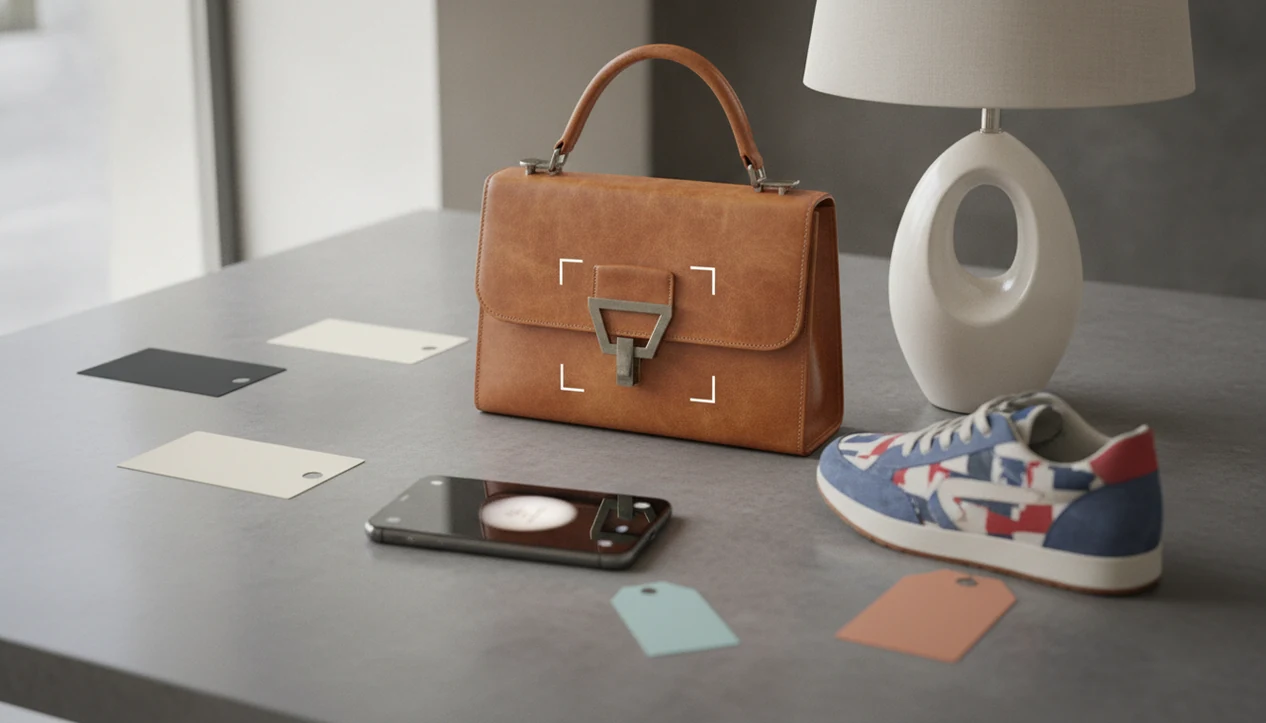
> Definition: Shop by image is a visual search method that uses a photo instead of typed keywords to identify products and find where to buy them online.
Shop By Image at a Glance: 5 Must-Know Facts
- Shop by image returns visual matches, not guaranteed exact products. A result may show the right silhouette, color, or pattern while missing the exact brand or size.
- The strongest tools combine image recognition with shopping data. Product matches become more useful when they include prices, reviews, stores, stock status, and seller pages.
- Photo quality changes the result. A centered chair tag from a fresh camera snap usually works better than a blurry crop from a moving video.
- Text filters still matter. Add color, material, model, brand, or size after the image search to narrow a broad set of similar options.
- Visual shopping is strongest for recognizable categories. Fashion, furniture, decor, collectibles, and secondhand items often have enough visible detail for a useful match.
Same-looking is not always same-product. That is the rule to keep in mind before buying.
Visual Search Technology: How Shop By Image Works
Shop by image works by turning a photo into searchable visual signals, then comparing those signals against product catalog data. The system is looking for shape, color, texture, pattern, logos, and other clues that help rank possible matches.
Visual Feature Extraction and Similarity Matching
Image recognition systems create feature vectors, which are numerical summaries of what appears in the image. In plain terms, the app translates a product photo into a set of visual clues, then looks for catalog items with similar clues. eBay has described its image search as surfacing best-matched items ranked by visual similarity, which shows why lookalikes often appear before exact product pages Innovation reference.
From Image Match to Price Comparison
A product match becomes more useful when the tool connects it to live shopping data. Google says Lens can identify products in a photo and show prices across retailers, deals, reviews, and where to buy them Google Lens visual search report. Tools like Invy add a comparison layer: one photo can trigger brand, condition, and category identification, then cross-store price lookup. A good AI shopping assistant and product finder app should deliver buyable product matches and price comparison from photos, not a promise that every image proves an exact item or the lowest possible deal.
Catalog coverage decides a lot. If the item is not indexed, you may only see similar options.
How to Shop By Image Using the Invy App
To shop by image in Invy, start with the image, isolate the product, review the identified details, then compare retailer offers before buying. The workflow is useful when you have a screenshot, a camera photo, or a gallery grid full of product screenshots and no reliable keywords.
- Open Invy and tap the camera or upload icon.
- Snap a new photo or select an existing image from your gallery or screenshots.
- Crop or center the product in the frame so the app is not reading the background.
- Review the identified product details, including brand, condition, and category.
- Compare prices across stores, check the seller page, and pick the deal that fits.
After the first result, add text filters such as “black leather,” “wide leg,” “oak,” or “size 8.” For shoppers comparing a product search by image workflow, that image-plus-text step is often where the result moves from close to usable.
Best Shop By Image Apps Compared
The right shop by image app depends on whether you want broad identification, marketplace results, or cross-store price comparison. Most free tools are useful, but many limit buyable results to their own search index or marketplace. For example, Amazon describes visual search as a way to find products within Amazon shopping results Amazon visual search help, while eBay's image search ranks visually similar eBay listings, so marketplace coverage depends on the platform searched Innovation reference.
| App or tool | Strong use case | Main limitation |
|---|---|---|
| Google Lens | Broad product identification, prices, reviews, retailers, and visual discovery | Results can be broad and may need filtering |
| Amazon Visual Search | Finding products inside Amazon listings | Limited to Amazon catalog and Amazon sellers |
| eBay Image Search | Similarity ranking within eBay listings | Strong for resale, but platform-locked |
| Invy | Identifying brand, condition, and category, then comparing prices across stores | Still depends on photo quality and retailer coverage |
Google Lens vs Invy for Shopping by Photo
Google Lens is useful when you want broad identification from a photo. Invy is more focused on turning that recognition into price comparison across stores from a single image.
Amazon and eBay Visual Search Limitations
Amazon and eBay are useful when you already want to buy inside those marketplaces. However, platform-locked tools can miss a lower final price, a better size, or an in-stock listing elsewhere.
4 Shop By Image Myths Debunked
Shop by image is practical, but it is often described as more exact than it really is. These four myths cause the most bad purchases.
Myth 1: Shop by image always finds the exact product. Reality: many results are lookalikes, close alternatives, or items with the same visual style.
Myth 2: A clear photo guarantees a perfect result. Reality: catalog coverage and product distinctiveness matter as much as sharpness. A plain black T-shirt gives the system fewer clues than a sneaker sole pattern under fluorescent light.
Myth 3: Visual search is only for fashion. Reality: it can also help with furniture, decor, collectibles, resale finds, art, and jewelry.
Myth 4: Image search replaces keyword search. Reality: the strongest results usually come from image recognition plus text filters for size, material, brand, or color.
For hard-to-name items, product search by image usually works best when the photo shows distinctive details, while keyword search fits shoppers who already know the model name.
5 Product Categories for Shop By Image
Shop by image works best when the product has visible cues and enough similar listings online. The weaker cases are generic goods, hidden items, and modified products.
Fashion and clothing. Clothing has strong visual cues like cut, color, fabric, buttons, stitching, and print placement. A denim wash compared in daylight is easier to match than a vague search for “blue jeans.”
Furniture and home decor. Visual search is useful for style matching, especially with chairs, lamps, rugs, and tables where shoppers want a similar look.
Collectibles and secondhand items. Resale shoppers often lack a model name, so a photo can be faster than guessing keywords.
Art and jewelry. Invy specifically identifies categories such as fashion, jewelry, art, and collectibles, but buyers should still verify seller details and item descriptions.
Weak categories. Generic cables, plain containers, cropped parts, and heavily customized goods often return broad or messy results.
6 Photo Tips for Better Shop By Image Results
Better photos usually produce better shop by image results because the system has more product detail to read. Treat the image like a product listing photo, not a memory snapshot.
- Use a sharp, well-lit photo with the product centered and fully visible.
- Crop out background clutter so the app focuses on the target item.
- Add text filters after the first search, including color, material, brand, or size.
- Try another angle if the first result shows the right color but the wrong size.
- Avoid screenshots with overlaid captions, watermarks, stickers, or heavy filters.
- Use original photos when possible instead of compressed social media saves.
A blurry Instagram Story screenshot saved before it disappears can still work. But a white-background product photo usually gives the system cleaner information than a cropped creator mirror selfie.
For shoppers trying to find where to buy this product from a single image, a clean crop is often easier than writing a long keyword query because the app can read shape and pattern directly.
Understanding Results
Shop by image, product finder, and visual product search tools can turn a photo into useful shopping leads, but visual matches are not proof of an exact item. Use price comparison and retailer details to verify the product, seller, shipping, and return terms before buying.
Invy works best when
- Clear, centered photos with the full product visible
- Recognizable fashion, furniture, decor, collectibles, and accessories
- Items with distinct colors, patterns, logos, shapes, or materials
- Searches narrowed with text filters like brand, size, color, or model
- Comparing final checkout cost, not just the first listed price
Invy may be less accurate when
- Blurry, cropped, low-light, or out-of-frame photos
- Generic products that look like many similar items
- Partially hidden, customized, or heavily edited items
- Niche, new, sold-out, or poorly indexed products
- Listings with different bundles, specs, shipping, or availability