
Find Sneakers By Picture And Compare Colorways


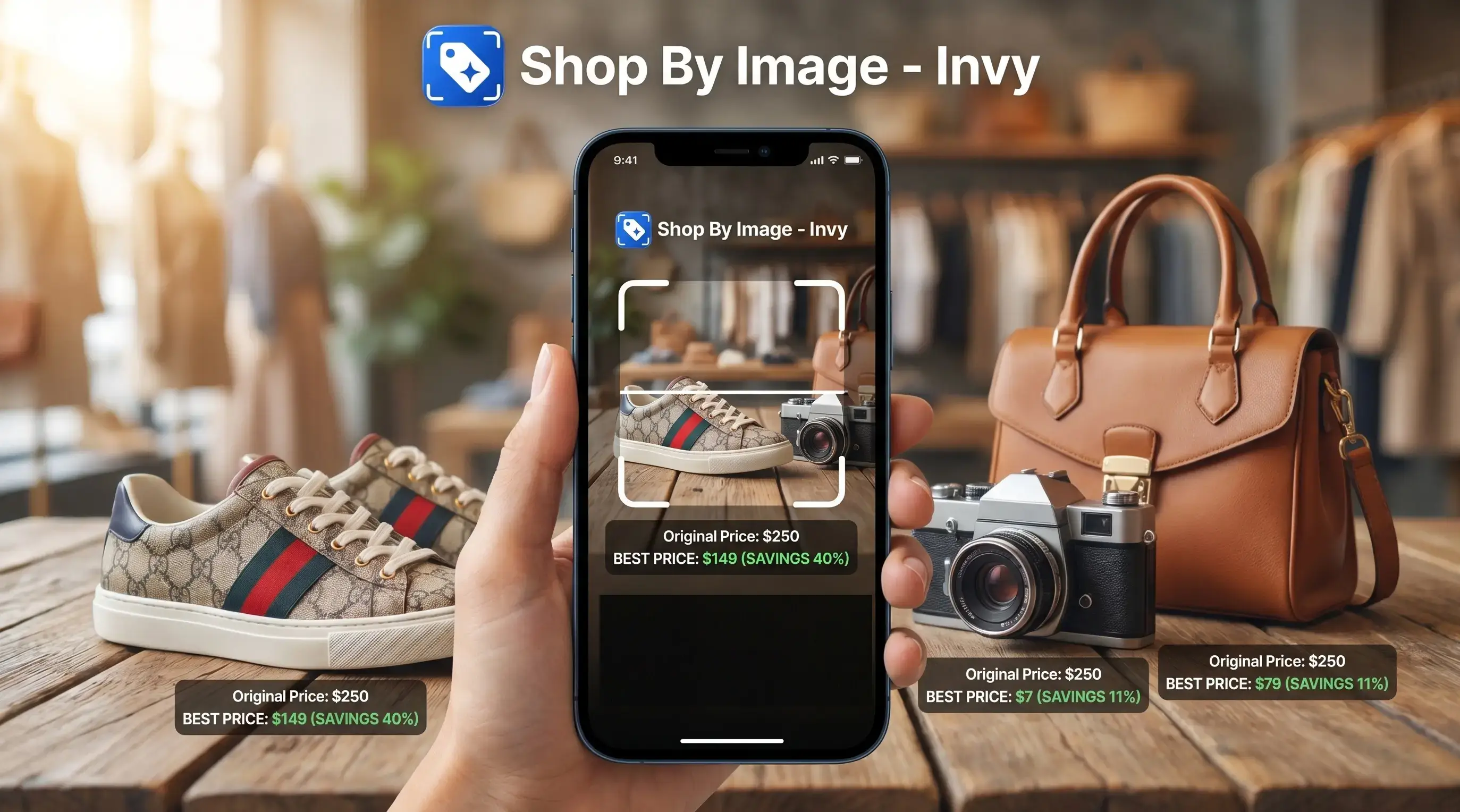
Download for iPhone: find product from photo app
To find sneakers by picture, upload a clear shoe photo to an image search or shop-by-image tool, confirm the model and colorway details, then compare prices across stores before buying. Results improve when the photo shows the side profile, logo, sole, color blocking, and any visible style code.
> Finding sneakers by picture means using a shoe photo to identify the brand, model, colorway, or closest available match online.
- Use a sharp, well-lit photo with multiple angles to improve sneaker identification.
- Confirm the model, colorway, style code, and seller details before purchasing.
- Compare exact matches and similar pairs because prices and availability vary across stores.
How find sneakers look
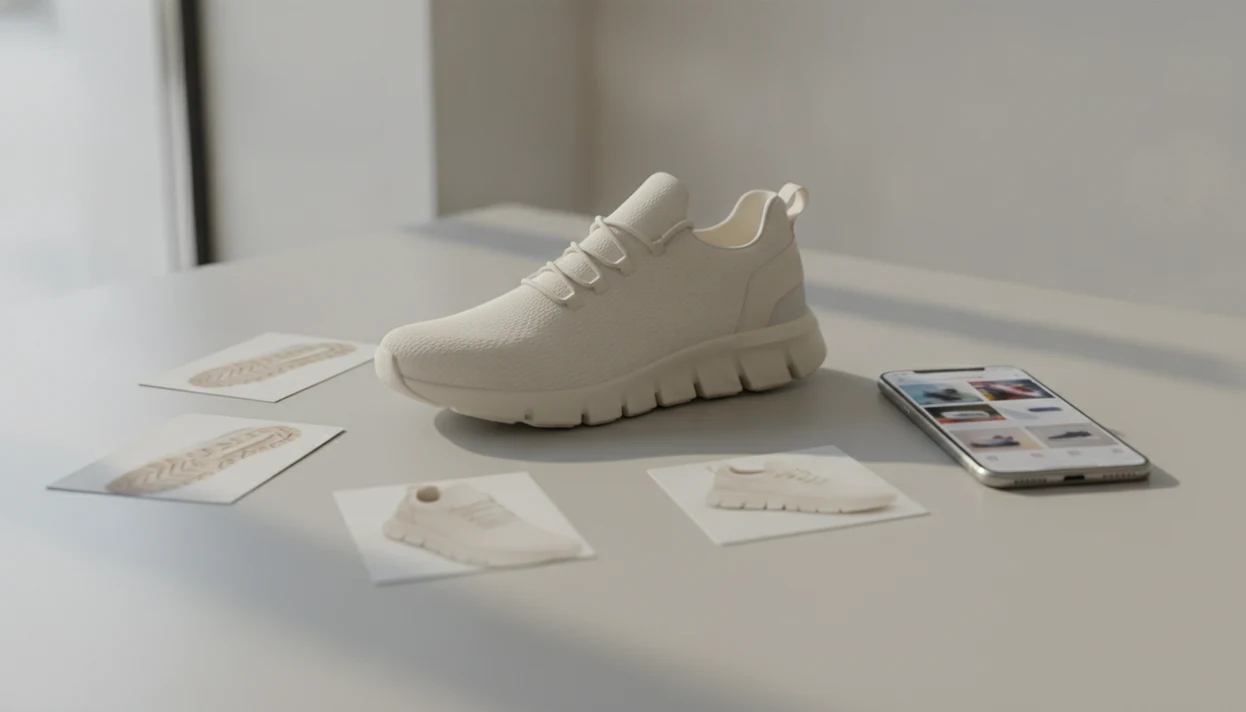
Side-by-side captures of the compared products. Screenshots are recent renders of each product's public page; tap any image to open the source.
Find Sneakers By Picture: Exact Model, Colorway, And Price Goal
Finding sneakers by picture means using the shoe image as the starting point for identification and shopping comparison. A good result should help name the brand, silhouette, model, colorway, and close alternatives.
Most shoppers need more than a product name. They want a buyable result, stock status, and a price comparison before the checkout timer starts ticking on the phone. In a Google/Ipsos study, 40% of shoppers said they had used visual search or search by image to help shop Thinkwithgoogle reference. Invy is a shop by image app that identifies products from photos and compares prices across stores for online shoppers.
Same-looking is not always same-product.
At-A-Glance Sneaker Finder By Image Checklist
Use a sneaker finder by image with enough visual evidence to separate exact matches from similar options. Colorway terms and style codes matter because sneaker listings often split one model into dozens of near-identical versions.
| Input to capture | Why it helps | Use for |
|---|---|---|
| Side view | Shows silhouette, panels, swoosh or stripe placement | Exact model search |
| Top view | Reveals toe box, laces, tongue shape | Model confirmation |
| Sole and heel | Shows tread, heel tab, midsole geometry | Exact or close match |
| Logo and tongue tag | Helps confirm brand, line, and size label | Exact match search |
| Box label or style code | Matches retailer listings and resale pages | Colorway verification |
| Sharp screenshot | Can work if uncropped and high-resolution | Similar or exact search |
A screen recording paused on a sneaker can work, but crop carefully. Don’t cut off the outsole or heel.
5 Facts About Identifying Shoes From Photo Results
Before trusting results from an identify shoes from photo search, treat the output as a shortlist. Then verify the listing.
- Clear, well-lit, multi-angle photos usually improve sneaker photo search because the tool sees more model-specific details.
- The exact sneaker may be sold out, discontinued, vintage, or available only through resale.
- Visual tools can surface shopping links faster than manual browsing, especially when you don’t know the product name.
- Photo matching is not authentication; a matching image does not prove the pair is genuine.
- The same sneaker can appear at different prices across retailers, marketplaces, and resale listings.
Google has said Lens processes 20 billion visual searches per month, which shows how common image-based search has become Google Lens visual search report. For sold-out pairs, a broader find similar products by image workflow can keep the search useful.
How Sneaker Finder By Image Search Works
Sneaker finder by image search works by comparing visual features in your uploaded photo with indexed product images and listings. The system looks at silhouette, panel shapes, logo placement, sole pattern, materials, and color blocking.
The technical term is image embeddings. In plain English, the tool turns the shoe photo into searchable visual signals, then compares those signals against known images. That’s why a white-background product photo often performs better than a cropped creator mirror selfie, though both can still help.
Results may include exact matches, likely matches, or visually similar products. Amazon says Lens Live can show real-time product matches in a swipeable carousel while the camera scans (Amazon visual search help). A good AI shopping assistant and product finder app that identifies products from photos and compares prices across stores to find a better final price should deliver product matches and price context, not proof that a sneaker is authentic.
6 Steps To Find A Shoe Model From A Picture
To find a shoe model from a picture, start with the image, then verify the details against seller pages. The workflow is simple, but skipping the checks is where wrong buys happen.
- Take a clean side-profile photo in good lighting, with the entire sneaker visible.
- Add close-ups of the logo, tongue label, heel, sole, and box tag.
- Upload the image to a visual search, AI image search, or shop-by-image app.
- Compare likely matches by model name, colorway, materials, and style code.
- Check multiple stores for size availability, shipping, return policy, and final price.
- Save similar pairs if the exact sneaker is unavailable or far above your budget.
For sneaker shoppers, image search usually works best when the side profile and style code are both visible, because one confirms the shape and the other confirms the listing.
Photo Details That Help Identify Shoes From Photo Uploads
The side profile is usually the strongest identifying angle because it shows the shoe’s overall shape and panel layout. A belt buckle zoomed from a street photo might be enough for fashion search, but sneakers need more structure.
- Side profile: Captures the silhouette, overlays, logo position, and midsole line.
- Sole pattern: Helps separate similar runners, basketball shoes, and skate shoes.
- Heel tab: Often reveals model-specific stitching, pull loops, or branding.
- Lace cage: Shows support pieces that vary across releases and takedowns.
- Tongue and box labels: Can confirm size, SKU, product code, and colorway.
Microsoft’s visual-search guidance recommends clear images, cropping distractions, and trying multiple angles (Support reference). Crop out clutter, but don’t slice off the toe, heel, or outsole. If your search is more apparel-focused, the same image-first logic also applies when you shop clothes by photo.
Exact Match Vs Similar Sneaker Finder By Image Results
Exact matches and similar sneaker finder by image results serve different shopping goals. Use exact matching when the model or style code matters; use visual similarity when the original is sold out, discontinued, or too expensive.
| Result type | What it means | When to use it |
|---|---|---|
| Exact model match | Same sneaker line and model name | You need the correct shoe family |
| Exact colorway match | Same model plus same color blocking and SKU | You want the precise release |
| Same silhouette family | Similar shape from the same or related line | You like the profile more than the code |
| Lookalike alternative | Different brand or model with a similar look | The original is unavailable or overpriced |
Brands reuse shapes, panels, and color blocking across models. The right color with the wrong size or release version still needs checking.
Common Myths About Sneaker Photo Search Tools
Does one photo always identify the exact sneaker model? No, one photo often produces a likely match, not a confirmed model.
A blurry saved post full of comment requests may still help, but sharp details matter. Any blurry screenshot is not enough if the logo, side profile, or sole is hidden. Image search also cannot verify authenticity by itself. It can show a product match, not a legit check.
The first shopping result is not automatically the best price. It may be an ad, a low-stock listing, or a size nobody wants. Treat image search as the starting point, then compare retailer listing details before you buy. For a deeper sneaker-specific tool overview, read what app identifies sneakers from photos explained.
Price, Availability, And Colorway Checks After Image Search
After image search identifies likely matches, compare prices across retailers, marketplaces, and resale listings. A low price may only apply to one size, one colorway, or a final-sale listing with no returns.
Open the seller page and check the tiny out-of-stock label that sometimes appears only after tapping through. Then review shipping, taxes, return policy, seller rating, size availability, and delivery timing. Confirm the colorway name, SKU, product code, and release version before checkout.
Tools like Invy can fit this step because the same uploaded sneaker image can lead to product matches, similar options, and price comparison across stores. The useful part is not just identifying the shoe. It is seeing whether the final offer still makes sense after fees.
Final price circled in a screenshot. That’s the real comparison.
Understanding Results
Shop by image and visual product search can help identify sneakers from a photo, then support product finder checks and price comparison across stores. Treat results as a starting point, and verify the model, colorway, style code, seller, and return policy before buying.
Invy works best when
- Clear side-profile sneaker photos with logo, sole, and color blocking visible
- Current or widely sold models with many indexed product photos online
- Comparing exact matches, close alternatives, sizes, stock, and prices across stores
- Photos that include box labels, tags, or visible style codes
- Checking colorway names when the same silhouette has many similar releases
Invy may be less accurate when
- Dirty, cropped, low-light, or single-angle sneaker photos
- Rare vintage pairs, customs, samples, or limited resale listings
- Lookalike silhouettes where color blocking or materials overlap
- Marketplace listings with unclear photos, missing labels, or weak seller details
- Authenticity checks, since a matching image does not prove a pair is real
FAQ
Can I identify sneakers from a photo?
Yes, image search can often identify the brand, model, colorway, or a close match from a clear sneaker photo. Results are strongest when the side profile, logo, sole, and product label are visible.
What photo works best for sneaker image search?
A sharp, well-lit side-profile photo usually works best because it shows the full silhouette and logo placement. Add close-ups of the tongue tag, heel, sole, and box label to improve model and colorway checks.
Can a screenshot help me find sneakers?
Yes, a screenshot can help if it is sharp, uncropped, and high enough resolution to show key shoe details. Blurry, dark, or heavily cropped screenshots often return only similar sneakers.
How do I find a sneaker colorway from a picture?
Compare the image result against retailer listings, style codes, SKU numbers, labels, and official color names. Color blocking alone can be misleading because brands reuse similar palettes across different releases.
Can image search find Nike shoes?
Yes, image search can often find Nike shoes when the logo, silhouette, sole, and product details are visible. It may still return similar Nike models if the photo hides the tag, heel, or side panel.
Is a sneaker finder by image free?
Some image search tools are free, including general visual search tools. Shopping apps, resale platforms, or advanced comparison features may vary by device, store coverage, or account requirements.
Can photos prove sneakers are real?
No, photos cannot prove sneakers are real by themselves. Photo identification can support model research, but authentication requires checking labels, product codes, construction details, seller history, and return protections.
Why are my sneaker photo search results only similar?
Results may be only similar because the photo lacks detail, the model is discontinued, or online inventory is limited. Brands also reuse silhouettes and color blocking, so the tool may match the look instead of the exact release.