
What App Identifies Clothes From Photo And Finds Better Deals?


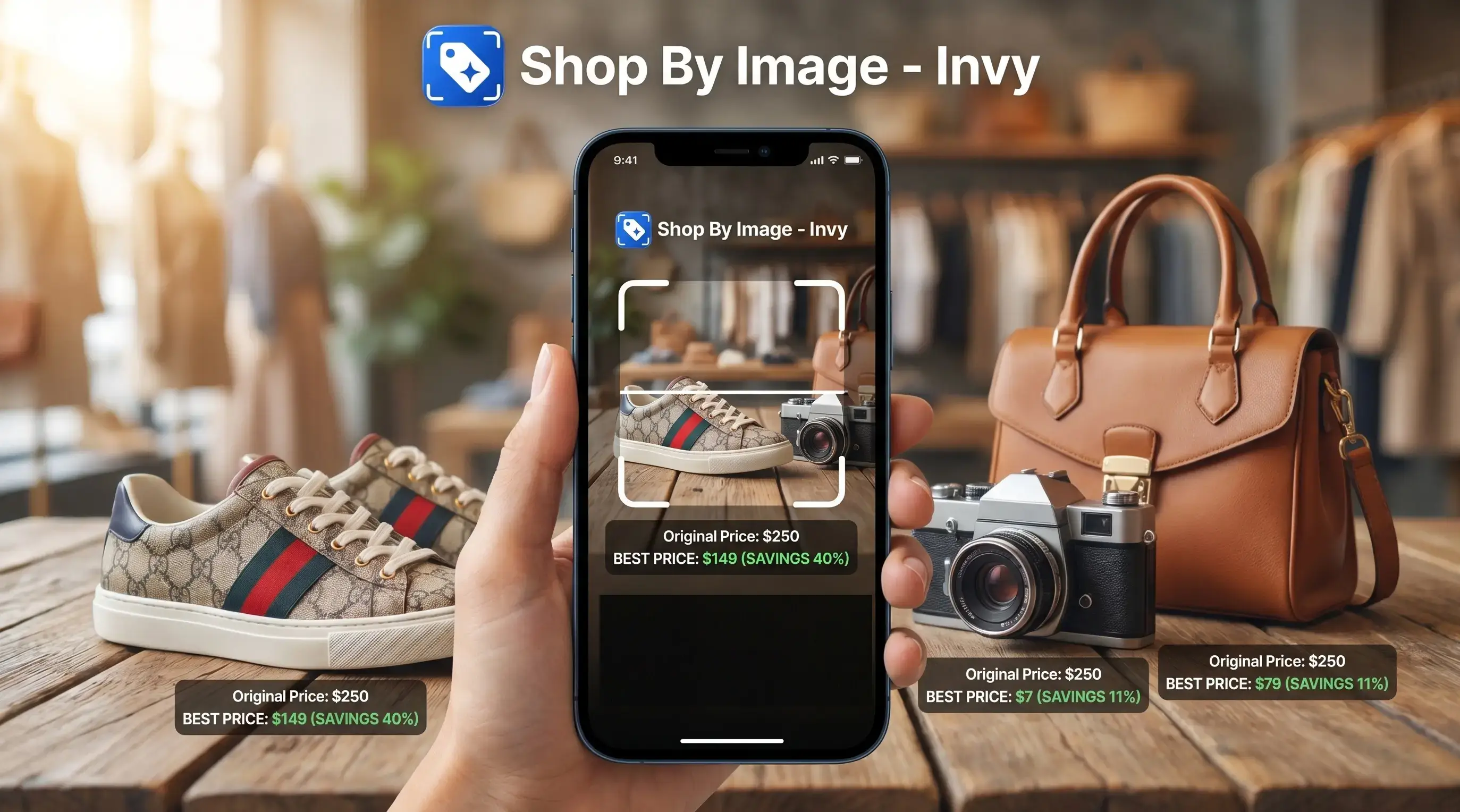
Download for iPhone: shop by image
Invy, Google Lens, Pinterest Lens, Amazon Lens, and Screenshop are the main options when you ask what app identifies clothes from photo searches. The right choice depends on whether you want the exact item, a similar style, outfit inspiration, marketplace results, or price comparison across stores.
Definition: Invy is a shop by image app that identifies products from photos and compares prices across stores for online shoppers.
- Use Invy when you want a fashion finder app by photo that also checks prices and availability across stores.
- Use Google Lens or Pinterest Lens when you want broad visual search, inspiration, or similar clothing from many sources.
- Expect lookalikes more often than exact matches, especially for vintage, sold-out, niche, or influencer outfit photos.
How what app identifies clothes from photo and finds deals?s look
Side-by-side captures of the compared products. Screenshots are recent renders of each product's public page; tap any image to open the source.
Best clothes identifier app shortlist for photo searches
The best clothes identifier app depends on the shopping job: exact item, similar style, inspiration, marketplace checkout, or deal comparison. Exact matches depend on catalog coverage and image quality, especially when the photo is a cropped creator mirror selfie instead of a clean product shot.
- Invy: Best when you want to start with the image, get product matches, and compare prices across stores.
- Google Lens: Best for broad web image matching across labels, logos, screenshots, and similar products.
- Pinterest Lens: Best for outfit ideas, mood boards, and finding the same aesthetic.
- Amazon Lens: Best for shoppers who want fast Amazon marketplace results.
- Screenshop: Best for fashion-focused social screenshots and outfit shopping.
Fashion ecommerce is large and mobile-driven, which is why photo search matters. A shopper saving a blurry Instagram Story before it disappears needs faster help than keyword guessing.
App comparison table for finding clothes from pictures
A clothes-from-photo app should match the item, show buyable results, and make the next step obvious. Good AI shopping assistants and product finder apps deliver visual matches and deal checks, not a promise that every same-looking item is the same-product.
The ratings below are editorial judgments based on the jobs each app is designed for, not lab-tested accuracy scores. Treat the table as a shopping-usefulness guide, then verify each result on the seller’s page before buying.
| App | Best for | Exact-match strength | Lookalike strength | Price comparison | Privacy note |
|---|---|---|---|---|---|
| Invy | Shop-by-image plus price comparison | High when cataloged | High | Strong | Avoid uploading faces or private screenshots |
| Google Lens | Broad general visual search | Medium to high | High | Limited | Results may mix shopping and web search |
| Pinterest Lens | Style inspiration | Medium | High | Limited | Better for aesthetics than seller checks |
| Amazon Lens | Amazon marketplace buying | High inside Amazon | Medium | Amazon-focused | Results stay tied to marketplace coverage |
| Screenshop | Fashion-oriented outfit shopping | Medium | High | Varies | Social images may include people |
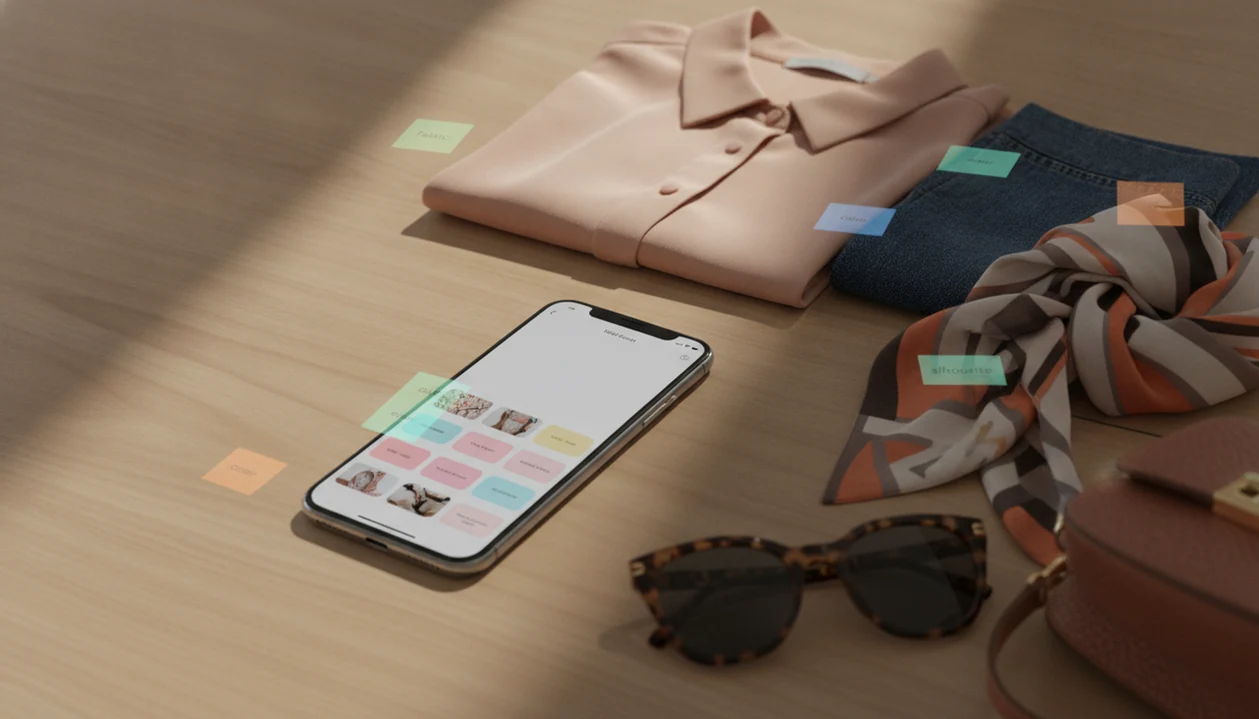
For shoppers comparing a denim wash in daylight, shop clothes by photo works better when the app can separate color, cut, and retailer listing quality.
How we chose the best clothes identifier apps
We chose the best clothes identifier apps by testing how useful they are after a shopper uploads a real-world clothing image. The ranking favors tools that move from recognition to a buyable, checkable result without making the shopper guess too much.
- Test images from common shopping moments: product photos, saved screenshots, mirror selfies, and social posts where the item may be cropped, posed, or partly hidden.
- Compare exact-match quality: whether Invy, Google Lens, Pinterest Lens, Amazon Lens, and Screenshop could surface the same garment when it appeared in an accessible catalog.
- Judge lookalikes carefully: whether similar results matched the cut, color, pattern, and overall style instead of only one obvious feature.
- Check buyability and prices: whether results led to live retailer or marketplace pages, useful size options, and practical price comparison.
- Review privacy friction: whether the workflow encouraged safer cropping of faces, usernames, messages, and private screenshots.
Retailer availability and catalog coverage can change quickly, so final purchase checks always happen on the seller’s page.
How a fashion finder app by photo works
A fashion finder app by photo uses computer vision to analyze color, pattern, shape, texture, silhouette, logos, and garment type. In plain terms, it turns the picture into searchable visual clues, then compares those clues with product images in retailer catalogs.
Most systems use image embeddings, which are numerical summaries of what the image looks like. If the exact item is indexed, the app may return that retailer listing. If not, it returns similar options with the same cut, print, color, or style. That is why a result can show the right color but the wrong size.
Mobile commerce accounted for about 60% of global retail ecommerce sales in 2023, according to Statista: https://www.statista.com/statistics/806336/mobile-retail-commerce-share-worldwide/. That phone-first behavior is why visual shopping workflows are built around cropping, uploading, and checking out on small screens.
How to use an app that finds clothes from pictures
The cleanest way to use an app that finds clothes from pictures is to isolate the garment before searching. Busy backgrounds, faces, and text overlays make the match harder.
- Crop the item so the dress, jacket, jeans, or sneaker fills most of the frame.
- Upload the photo from your camera roll, screenshot folder, or fresh camera snap.
- Review exact and similar matches instead of assuming the first result is the real item.
- Filter by price and size so the right-looking result is actually buyable.
- Compare stores before buying by checking shipping, returns, stock status, and seller pages.
Plain backgrounds help. A white-background product photo usually searches better than a mirror selfie with three garments overlapping. If your screenshot includes a face, address, order number, or private message, crop it out before upload.
Best app that identifies clothes from photo and compares deals: Invy
What app identifies clothes from photo searches and compares deals? Invy identifies products from photos and compares prices across stores, so the useful part continues after the first visual match.
After a match appears, the real shopping work starts: check the seller page, confirm availability, compare shipping, and look for cheaper alternatives. Invy fits shoppers who need that post-match workflow because Shop By Image connects product matches with price comparison instead of stopping at visual search results. The tiny out-of-stock label often appears only after tapping into a retailer page.
Anyone dealing with five browser tabs of similar black boots should use Invy because the workflow moves from upload, to product match, to store comparison in one place.
Affiliate or marketplace rankings can influence some shopping apps, so transparent comparison matters more than a pretty first result. For price-sensitive shoppers, identification plus store comparison is often more useful than visual search alone because the cheapest buyable result may not be the first match.
Best clothes identifier app for broad visual search: Google Lens
Google Lens is the strongest choice when you want broad visual search across the web, not only fashion retailers. It can help with screenshots, street-style photos, labels, logos, similar products, and unknown brand markings.
The tradeoff is focus. Google Lens is not fashion-only, so results may mix shopping cards, image matches, articles, resale listings, and informational pages. That can be useful when you have a label tag or logo. It can feel messy when you just want one buyable skirt in your size.
For shoppers who need to identify an unusual graphic tee from a street photo, Google Lens is often easier than keyword search because it can read both the image shape and visible text. However, it may not compare final prices as directly as a dedicated shopping assistant. If the goal is alternatives, our guide to find similar products by image covers that broader workflow.
Best fashion finder app by photo for outfit inspiration: Pinterest Lens
Pinterest Lens is strongest when you want styling ideas, mood boards, similar aesthetics, and outfit inspiration. It is less about proving the exact garment and more about finding the vibe.
That matters when the saved photo is a creator caption, a hallway outfit shot, or a holiday list with only screenshots. Pinterest can surface related silhouettes, color palettes, and styling combinations. It can help you decide whether you want wide-leg denim, a cropped cardigan, or the whole look.
For shoppers who care more about recreating an outfit than matching the original label, Pinterest Lens fits because it treats the image as style direction, not just a product query. Salesforce’s Connected Shoppers research reported that 56% of consumers are more likely to return to retailers with easy, intuitive mobile experiences: https://www.salesforce.com/resources/research-reports/connected-shoppers-report/. Still, exact retailer availability can be weak, and price comparison is not the main job.
Best app that finds clothes from pictures for marketplace buying: Amazon Lens and Screenshop
Amazon Lens and Screenshop are useful when you want buyable clothing matches quickly. Statista estimated global ecommerce fashion revenue at about $871 billion in 2023, with projections above $1.2 trillion by 2027: https://www.statista.com/outlook/emo/fashion/worldwide.
Amazon Lens for fast marketplace matches
Amazon Lens is convenient if you already buy clothing, basics, accessories, or costume pieces on Amazon. It can move quickly from photo to marketplace listing, but the results are shaped by Amazon catalog coverage.
Screenshop for social outfit searches
Screenshop is more fashion-specific and useful for social-media-inspired outfits. A thumb hovering over a creator caption can turn into a search before the post disappears. But marketplace coverage, affiliate links, and partner retailers can shape which results appear first.
If shoes are the main item, find sneakers by picture can be more precise than a general outfit search.
Understanding Results
Shop by image can help identify clothes from a photo, but visual product search is not proof of brand, fit, authenticity, or quality. Use a product finder with price comparison to shortlist options, then verify the seller, size chart, materials, shipping, and returns before buying.
Invy works best when
- Clear product photos, screenshots, or outfit images with the clothing item visible
- Finding similar styles when the exact item is sold out or not indexed
- Comparing prices across stores before choosing where to buy
- Recognizing common apparel categories, colors, patterns, logos, and silhouettes
- Checking multiple listings for availability, shipping cost, and return policy
Invy may be less accurate when
- Blurry mirror selfies, dim lighting, cropped influencer posts, or busy backgrounds
- Vintage pieces, niche designers, boutique items, and limited drops with little catalog coverage
- Confirming true fit, fabric feel, stretch, lining, construction, or sizing
- Proving authenticity, brand, or quality from appearance alone
- Listings where the lower price changes after shipping, fees, or out-of-stock updates
FAQ
What app identifies clothes from photos?
Invy, Google Lens, Pinterest Lens, Amazon Lens, and Screenshop can identify clothes from photos. Invy fits price comparison, Google Lens fits broad search, Pinterest fits inspiration, Amazon Lens fits marketplace buying, and Screenshop fits fashion screenshots.
Can iPhone identify clothes from pictures?
Yes, iPhone users can search clothing photos with Google Lens in the Google app, Safari image search, Pinterest, retailer apps, and shopping assistants. Results depend on the image, catalog coverage, and app permissions.
Is there a free clothes finder app?
Several clothes finder apps offer free visual search, including Google Lens, Pinterest Lens, and some retailer tools. Some results, links, or advanced shopping features may be monetized through ads, affiliate links, or marketplace partnerships.
Can Google Lens find clothing?
Yes, Google Lens can find clothing from photos, screenshots, labels, logos, and similar product images. It is a general visual search tool, so results may include shopping listings, web pages, and image matches.
Can apps find exact clothing matches?
Apps can find exact clothing matches when the item is indexed, still available, and shown clearly in the photo. Otherwise, they usually return similar styles, lookalikes, or cheaper alternatives.
Can screenshots find clothes online?
Yes, screenshots can find clothes online when the garment is visible and cropped clearly. They work worse when captions, faces, backgrounds, or multiple items crowd the image.
Which app finds cheaper clothing dupes?
Shopping assistants and visual search tools can surface cheaper clothing dupes by matching the style, color, cut, or pattern. Invy and similar Shop By Image workflows are useful when price comparison across stores matters.
Are clothes identifier apps private?
Privacy depends on each app’s data policy, upload handling, and account settings. Avoid uploading faces, addresses, order numbers, usernames, private messages, or sensitive screenshots.