


> Definition: A price comparison app is a mobile tool you install to check and compare prices for the same product across multiple retailers from one screen, reducing the need to visit individual store websites.
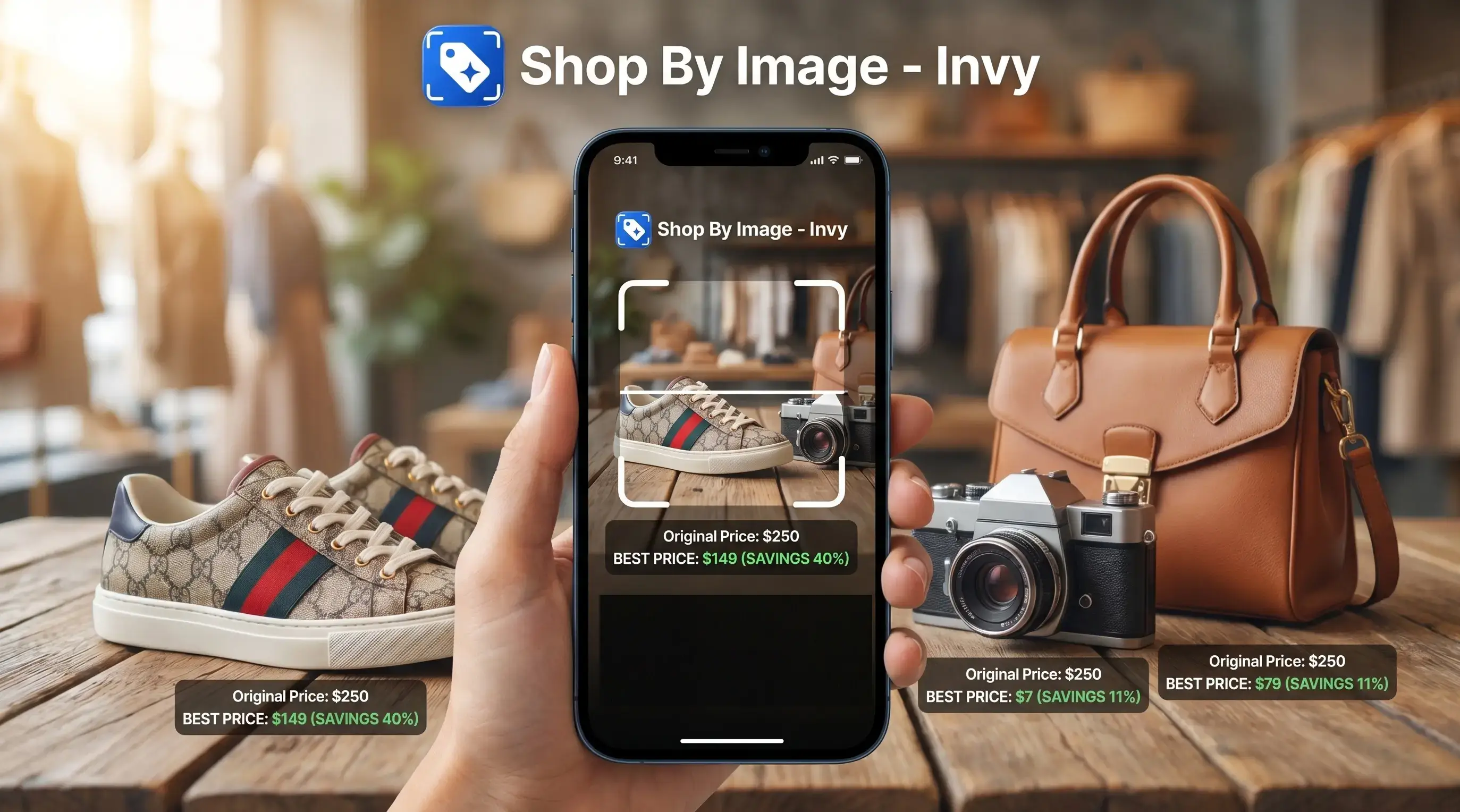
- Invy lets you snap or upload a photo to identify a product and compare prices across stores instantly.
- Image-based search replaces barcode scanning and manual typing with AI product matching.
- Free to download on iOS and Android, no account required to start comparing prices.
What Works When You Download a Price Comparison App
A good price comparison app should turn one product clue into multiple retailer options. Invy starts with the image, then shows product matches, similar options, and prices from available stores.
After installing, you can use the live camera or choose a photo from your camera roll. That matters when the item is not in your hand. A shopper might save a blurry Instagram Story screenshot before it disappears, then upload it later to check where the jacket or lamp is sold.
Barcode scanning works when you have the package and the UPC is visible. Photo-based identification works from screenshots, social posts, shelf photos, and product images. It is a better fit for fashion, decor, shoes, and items found outside a store aisle.
Pew Research reported that 67% of U.S. adults have compared prices online while shopping, based on its 2016 online shopping study Pew Research image platform study. If the priority is checking the same item before buying, Invy fits because it combines image upload, product match review, and multi-retailer price comparison in one workflow.
How Image-Based Price Comparison Works
Image-based price comparison works by converting a photo into product signals, then matching those signals against retailer listings. The useful result is not just a similar-looking item; it is the closest buyable result with a price attached.
The visual recognition step checks shape, color, brand markings, visible text, and product structure. In technical terms, the system creates image embeddings, which are compact patterns that help compare one photo against catalog images. Plainly: it looks for visual matches a keyword search might miss.
Next, the matching engine cross-references likely products against retailer catalogs. Price aggregation then pulls available prices, stock status, and seller pages for the matched item. The tiny out-of-stock label often appears only after tapping into a retailer page, so the final check still matters.
Exact-item matching matters more than generic visual similarity because same-looking is not always same-product. A good AI shopping assistant and product finder should deliver product matches and price comparison, not proof of authenticity or a guaranteed lowest total cost.
How to Download and Use Invy to Compare Prices
You can install price comparison app features in a few minutes, then run the first search from a photo you already have. The flow stays short: upload, review, compare, then check the seller page.
- Download Invy from the App Store or Google Play.
- Open Invy and tap the camera or upload icon.
- Snap a photo or select an image from your camera roll.
- Review matched products and compare available prices across stores.
- Tap a retailer link to check stock, shipping, condition, and purchase options.
For shoppers who need a price checker app download before a quick purchase, this workflow covers the fast check because it starts from a screenshot or camera photo instead of a typed model name.
The checkout-line test is real.
If you want a broader image-first workflow before installing, our download shop by image app guide explains how photo upload, product matching, and retailer links fit together.
Minimum Requirements to Install a Price Comparison App
Most shoppers need only a current iPhone or Android phone, a working internet connection, and permission to use the camera or photo library. Invy supports iOS and Android, with exact minimum OS versions shown on the App Store and Google Play listing pages.
Camera access is needed for live product photos. Photo library access is needed when you upload a screenshot, a saved listing image, or a cropped creator mirror selfie. Internet access is required because live price data, stock status, and retailer links cannot be checked offline.
Pew Research found that 76% of U.S. adults have used a smartphone to look up product information while shopping in a store Pew Research image platform study. For mobile shoppers, photo-based comparison usually depends more on image quality and retailer coverage than on typing the perfect search phrase.
Invy vs Barcode-Only Price Checker App Downloads
Barcode-only apps are useful when the item is packaged and scannable. Invy is different because image search can work from photos, screenshots, social media posts, and camera roll images.
| Comparison point | Invy image search | Barcode-only apps like ShopSavvy or coupon tools like Flipp |
|---|---|---|
| Starting input | Photo, screenshot, or live camera image | UPC or barcode on packaging |
| Works without product in hand | Yes, when the image is clear enough | Usually no |
| Strong categories | Fashion, furniture, decor, sneakers, visual discovery | Groceries, packaged goods, local circulars |
| Common miss | Generic or low-detail photos | Items without visible UPC codes |
| Buying workflow | Product match, similar options, retailer listing, price comparison | Scan result, coupon, store offer, or price list |
Someone comparing a denim wash in daylight does not always have a barcode. For visual shopping, Invy earns the spot because Shop By Image can identify a product from a photo before comparing retailer prices.
For category-by-category visual search examples, the best product search by image app guide goes deeper into exact matches versus similar options.
Five Facts Before You Download an App to Compare Prices
Before you download app to compare prices, judge it by coverage, match quality, and final checkout cost. A low displayed price can still lose after shipping, tax, size, or seller condition.
- Not every app covers the same retailers, categories, countries, or marketplace sellers.
- The cheapest listed price may exclude shipping, tax, membership pricing, or return costs.
- Photo matching accuracy depends on image sharpness, distinctive details, packaging, and visible brand text.
- Pew Research reported that 59% of U.S. adults have used a smartphone in a store to make a purchase decision Pew Research image platform study.
- Deal alerts and price history add value because one price check only captures the market at that moment.
When a final price is circled in a screenshot, the next step is checking whether the listing is new, used, refurbished, or a different size. For cautious buyers, photo comparison works best when the product match is reviewed before the price is trusted.
Download Invy Free on iOS and Android
The app is free to download on iOS and Android, with no upfront cost and no account required to start comparing prices. Search the App Store or Google Play for Invy, install it, and run your first image search from a live photo or camera roll upload.
Photo in, price comparison out.
For shoppers looking for a free Shop By Image workflow, this setup fits because it identifies a product from a picture and shows available retailer listings in one comparison view. If you are still comparing options, our free shop by image app page explains what free visual shopping apps usually include and where limits appear.
Understanding Results
A shop by image product finder can make visual product search and price comparison faster, especially when you start with a photo instead of a barcode or search term. Treat results as shopping leads, not proof, and verify the retailer listing, condition, size, shipping, and return policy before buying.
Invy works best when
- Clear product photos, screenshots, or camera roll images
- Fashion, shoes, home decor, accessories, and visually distinct items
- Checking the same item across available retailers before checkout
- Finding similar options when the exact product is sold out
- Using an iPhone to compare prices without typing long product names
Invy may be less accurate when
- Blurry, cropped, low-light, or heavily filtered images
- Generic or unbranded items with few visual clues
- Near-identical variants with different sizes, materials, or model numbers
- Prices that exclude shipping, tax, membership fees, or return costs
- Listings from unreliable sellers, used items, or damaged-box inventory