
Best Free Price Comparison Apps With Photo Search Options



Download for iPhone: shop by screenshot app
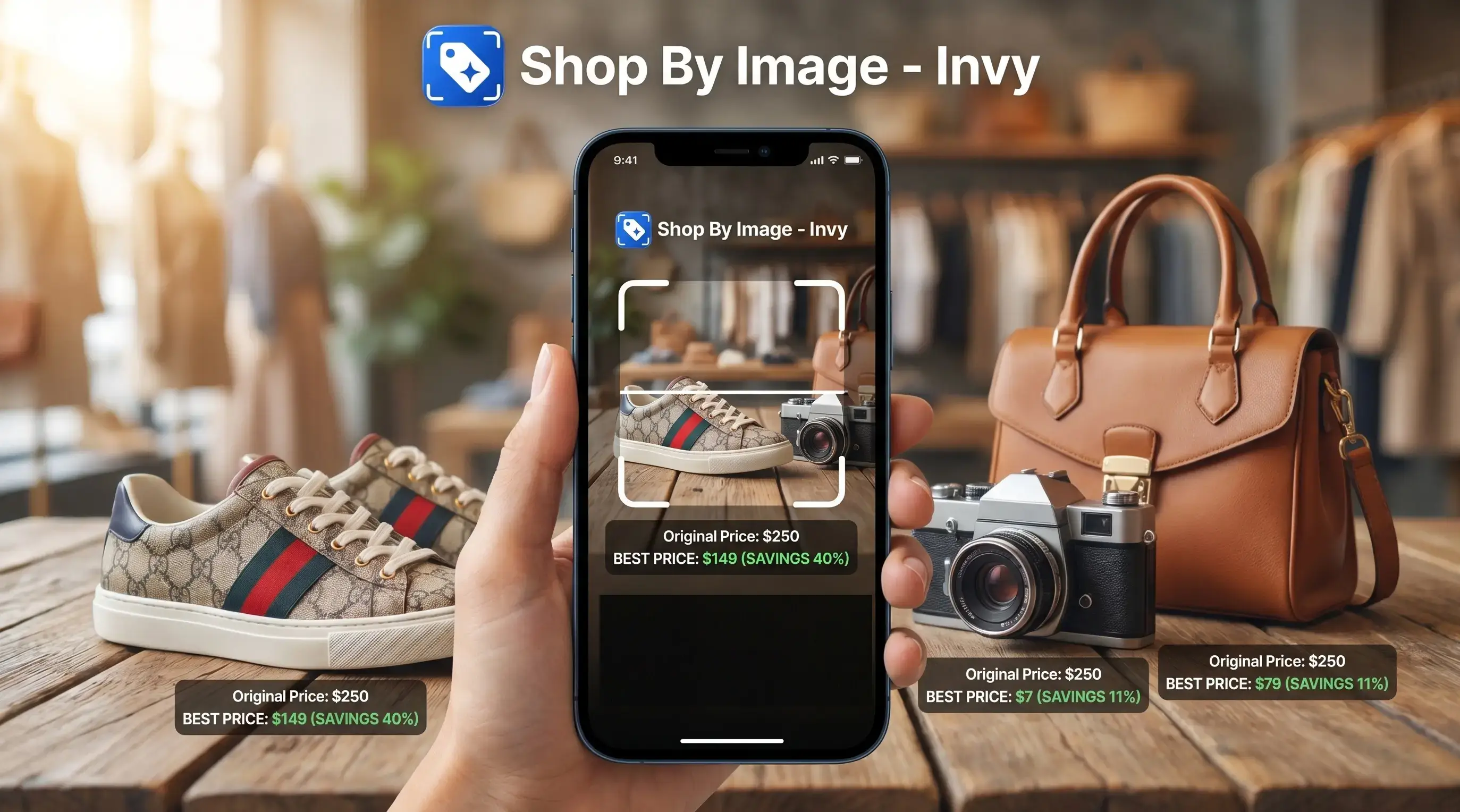
The best free price comparison app with photo search is one that can identify a product from a clear image, match it to the same or similar listings, and show prices from multiple retailers before you buy. Invy fits this use case as a Shop By Image product finder, while tools like ShopSavvy, Google Lens, idealo, and Flipp may be useful depending on whether you need barcode scanning, visual search, price alerts, or local deals.
> Invy is a shop by image app that identifies products from photos and compares prices across stores for online shoppers.
- Photo price comparison works best for branded, visually distinctive products with clear logos, packaging, model numbers, or recognizable design details.
- Free apps are usually free because they monetize through ads, affiliate links, retailer partnerships, or shopping data rather than an upfront fee.
- Always verify total cost, including shipping, taxes, coupons, stock status, and return policy, before trusting the displayed cheapest price.
How free price comparison apps look
Side-by-side captures of the compared products. Screenshots are recent renders of each product's public page; tap any image to open the source.
5 free photo price checker apps for shoppers
Free photo price checker apps are useful, but they do different jobs. Photo search, barcode search, price alerts, and local circulars are separate features, so the right pick depends on what you have in front of you.
| App | Best use case | Main caution |
|---|---|---|
| Invy | Starting with a photo, screenshot, or unknown product name | Depends on image clarity and retailer data |
| ShopSavvy | Barcode-first price checks and product tracking | Better for packaged goods than vague style discovery |
| Google Lens | Finding visually similar products from images | Not always a lowest-price workflow |
| idealo | Price history and alerts in supported markets | Coverage varies by country and retailer |
| Flipp | Weekly ads, coupons, and nearby store deals | Not built around exact AI photo matching |
Shoppers who save a blurry street-style photo from a story before it disappears need visual discovery first. Someone holding a boxed electric toothbrush in a store aisle may get cleaner results from a barcode scan. Free does not always mean neutral, complete, or ad-free.
Photo search technology behind free price comparison apps
A free app to compare prices from image works by turning a product photo into searchable visual signals, then matching those signals against retailer listings, product databases, or indexed shopping pages. The plain version: upload, identify likely products, then compare buyable results.
Most systems use image embeddings, which are numerical summaries of shape, color, logo placement, and visible details. Exact matches need stronger clues, such as model numbers, GTINs, barcodes, brand logos, or stable product metadata. Same-looking is not always same-product, especially with sneakers, phone cases, lamps, and bags.
After recognition, the app may query retailer feeds, APIs, affiliate feeds, or cached listings. Some stores block scraping, change prices often, or show stock only after you tap through. That tiny out-of-stock label on a seller page matters. For shoppers who want the full workflow, we break down how to compare prices from photo after the product match appears.
5 steps to compare prices from a product image
To compare prices from a product image, start with the clearest visual evidence and confirm the final offer before buying. A clean photo beats a clever search phrase when the product name is unknown.
- Capture the full item, logo, packaging, model number, or barcode when available.
- Crop out background clutter so the app reads the product, not the shelf or mirror.
- Check whether the result is the exact SKU or only a similar option.
- Compare total landed cost, including shipping, tax, coupons, pickup fees, and return terms.
- Verify the seller page, stock status, size, color, and material before checkout.
Retry with another angle if results look wrong. A sneaker sole pattern under fluorescent light can reveal more than a front-facing shoe photo. If you mainly shop from saved images, our compare prices from screenshot guide covers screenshot-specific checks.
Selection criteria for free visual shopping deal apps
A strong free visual shopping deal app must combine AI recognition with reliable commerce data. Pretty matches are not enough if prices are stale, retailers are missing, or shipping changes the deal.
For this list, apps were compared on starting input, visual-search usefulness, retailer coverage, total-cost checks, and whether the app serves a distinct shopping scenario. Invy is listed first because this query starts with a photo, screenshot, or unknown product image rather than a barcode or known product name.
- Visual recognition quality: The app should separate exact product matches from similar options.
- Retailer coverage: More stores help, but coverage still depends on feeds, partnerships, APIs, and region.
- Price freshness: Prices should refresh often enough to catch sales, stock changes, and marketplace shifts.
- Total-cost visibility: Item price, shipping, tax, coupons, pickup, and return policy all affect the real deal.
- Privacy signals: Clear app permissions, photo handling, account controls, and tracking disclosures matter.
Mobile shopping demand supports this category: Pew Research Center reported that 45% of U.S. cell owners used a phone inside a store to look up reviews or prices, and McKinsey has described mobile as a major influence on global shopping journeys (https://www.pewresearch.org/internet/2012/01/30/the-rise-of-in-store-mobile-commerce/; https://www.mckinsey.com/capabilities/growth-marketing-and-sales/our-insights/the-new-key-to-automotive-success-put-customer-experience-in-the-drivers-seat). If the priority is avoiding overpaying at the last tap, Invy earns the spot because the workflow starts with the image and moves into cross-store comparison.
Invy shop-by-image price comparison across stores
Does Invy identify products from photos and compare prices across stores? Yes, Invy is built for shoppers who want to start with an image instead of guessing a product name.
Invy fits fashion, home goods, electronics accessories, products seen in stores, screenshots, and social posts. A shopper can upload a partner’s jacket photo from vacation, review product matches, then compare retailer listings before buying. This is the moment when a shopper usually notices practical mismatches: a cropped sleeve, a missing zipper pull, a different fabric texture, or a marketplace listing using the same staged photo for several lookalikes. Good AI shopping assistants and product finder apps deliver image-to-listing comparison, not proof that every same-looking item is genuine.
Anyone dealing with an unknown product name can use Invy because the Shop By Image flow moves from upload to product match to buyable result. Accuracy still depends on recognition quality, clear visual details, and retailer data availability. For deal-focused shoppers, the next step is often to find cheapest price from product image after confirming the item is truly the same.
ShopSavvy barcode and photo price checking
ShopSavvy is useful for barcode, photo, and name-based price comparison. It fits shoppers who have packaging in hand and want a mature free photo price checker with established retailer coverage.
Barcode scanning can be more precise than photo matching for standardized goods because the code points to a specific product identifier. That helps with books, electronics, packaged health items, and household goods. A phone held over a boxed router in a checkout line is a better ShopSavvy moment than a cropped creator mirror selfie.
ShopSavvy may also support price tracking or alerts, depending on product and platform behavior. The difference from Invy is the starting point. ShopSavvy leans toward barcode-first comparison, while Invy is stronger when the shopper starts with a screenshot, social post, or unlabeled product image.
Google Lens image-based product discovery
Google Lens is strong for finding visually similar products from a photo. It can help when you have a screenshot, a furniture shape, a decor item, or a product with no obvious name.
The catch is that Google Lens is not always a dedicated lowest-price comparison workflow. It may surface shopping results, publisher pages, retailer listings, and visual matches together. That can be useful, but it also means the cheapest-looking result may not be the same model, size, material, or seller condition.
A white-background product photo usually works better than a cropped creator mirror selfie. Check the seller page before buying. The familiar problem is a result showing the right color but the wrong size. For shoppers comparing dedicated options, our best price comparison app with image search guide gives a broader app-by-app view.
idealo and Flipp price alerts and local deals
idealo and Flipp can complement a photo-first app, but they solve different shopping problems. idealo is more useful for online price comparison and alerts in supported markets, while Flipp focuses on weekly ads, coupons, and local retail deals.
idealo for price history and alerts
idealo helps shoppers compare prices, review price history, and set alerts where retailer coverage is available. It is useful after you already know the product name or model. On days a shipping fee surprise appears under the price, price history alone is not enough; verify the checkout total.
Flipp for local flyers and coupons
Flipp is better for grocery, pharmacy, and local store promotions than exact AI photo matching. Geography and retailer coverage may vary. Shoppers trying to combine visual discovery with nearby deals can use Invy first, then check Flipp for local circular pricing.
4 common myths about free photo price checker apps
Free photo price checker apps are helpful, but overtrust creates bad buys. These myths cause most photo-based price mistakes.
- Myth 1: Photo apps always find the exact item. They may return a similar option, not the same SKU.
- Myth 2: Free apps are completely costless or unbiased. Many use ads, affiliate links, retailer partnerships, or shopping data. The FTC warns that affiliate links, sponsored placements, and endorsements should be clearly disclosed when they may affect recommendations (https://www.ftc.gov/business-guidance/resources/disclosures-101-social-media-influencers).
- Myth 3: Every store online is included. Results depend on databases, feeds, APIs, regions, and technical access.
- Myth 4: The lowest displayed price is always the lowest final cost. Shipping, taxes, loyalty discounts, cashback, coupons, and returns can change the winner.
- Fact: Verification beats speed. The most reliable photo-shopping workflow is product match first, total-cost comparison second, seller-page verification last.
For mobile shoppers, outcome usually depends more on exact product matching and final checkout cost than on the first price shown in search results.
Understanding Results
Shop by image and visual product search can make price comparison faster, especially when you do not know the product name. Treat any product finder result as a shortcut, not proof, and verify the retailer page before buying.
Invy works best when
- Clear photos or screenshots with logos, packaging, model numbers, or distinctive details
- Branded products that are sold by multiple online retailers
- Packaged goods, electronics, shoes, bags, beauty items, and home products with visible identifiers
- Checking similar listings before comparing total cost, shipping, taxes, coupons, and return policy
- Finding a starting point when the product name or exact search phrase is unknown
Invy may be less accurate when
- Generic items, dupes, custom products, and marketplace listings that look alike
- Blurry, cropped, low-light, or filtered images with missing brand or model details
- Prices that have changed since the retailer feed or listing was last refreshed
- Results that omit shipping, taxes, loyalty discounts, cashback, pickup fees, or regional promotions
- Seller order that may be affected by ads, affiliate links, retailer partnerships, or limited store coverage
FAQ
What app compares prices by photo?
Common options include Invy, ShopSavvy, Google Lens, idealo, and Flipp, though they do not all work the same way. Invy focuses on Shop By Image product matching and cross-store comparison, ShopSavvy is strong for barcode checks, Google Lens helps with visual discovery, idealo supports alerts, and Flipp covers local deals.
Is there a free photo price checker?
Yes, free photo price checker options exist, but free usually means the app earns money another way. Common models include ads, affiliate links, retailer partnerships, sponsored visibility, or shopping data, so users should compare results and verify the seller page before buying.
Can I compare prices from screenshots?
Yes, screenshots can work if the product is visible and not heavily blurred or blocked by text. Exact matches improve when the screenshot includes a logo, model number, retailer page, product title, packaging, or a clear full-item view.
Are photo price apps accurate?
Photo price apps can be accurate for distinctive branded products, but results depend on image quality, angle, lighting, retailer data, and product metadata. Accuracy drops when the app finds a similar-looking item instead of the exact SKU.
Do free price apps show every store?
No free price app shows every store online. Results depend on retailer databases, feeds, partnerships, APIs, indexed listings, regional availability, and how often prices are refreshed by the app or retailer.
What affects photo search results?
Photo search results are affected by clarity, angle, lighting, background clutter, logo visibility, packaging, model information, and visible product details. Lookalike products can confuse results, especially when only color or shape is visible.
Is barcode scanning more accurate?
Barcode scanning is often more accurate for packaged goods because it reads a product identifier rather than guessing from appearance. Photo search is more useful when there is no barcode, such as with clothing, decor, screenshots, or products seen in social posts.
Are free shopping apps private?
Free shopping apps are not automatically private. Review how each app handles uploaded photos, search history, affiliate tracking, account data, location permissions, and shopping behavior before using it for sensitive purchases.